Alarms that fit your week.
One named alarm is free, with repeat days and optional Snooze. Pro adds up to seven regular alarms, more alert sounds and next-or-cycling alarm display on the Clock.
Clock · Focus · Time tools
A clock that rebuilds itself. Tools that move with your day.
From the first alarm to a quieter night: DigiFLUX brings kinetic digits, everyday timing and purposeful sound to your screens.
Apple TV available now
iPhone · iPad · iPhone Duo · Watch — coming soon
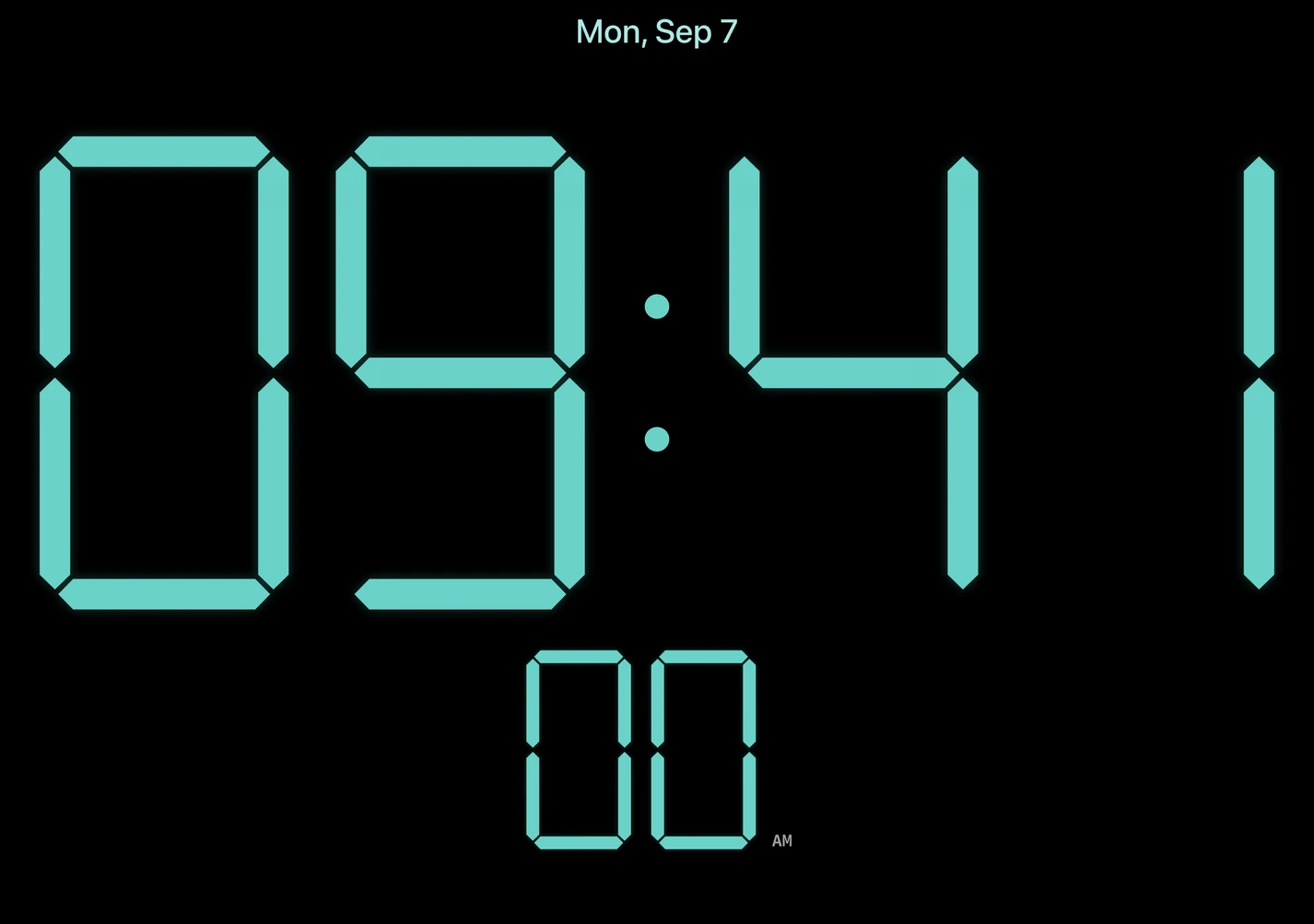
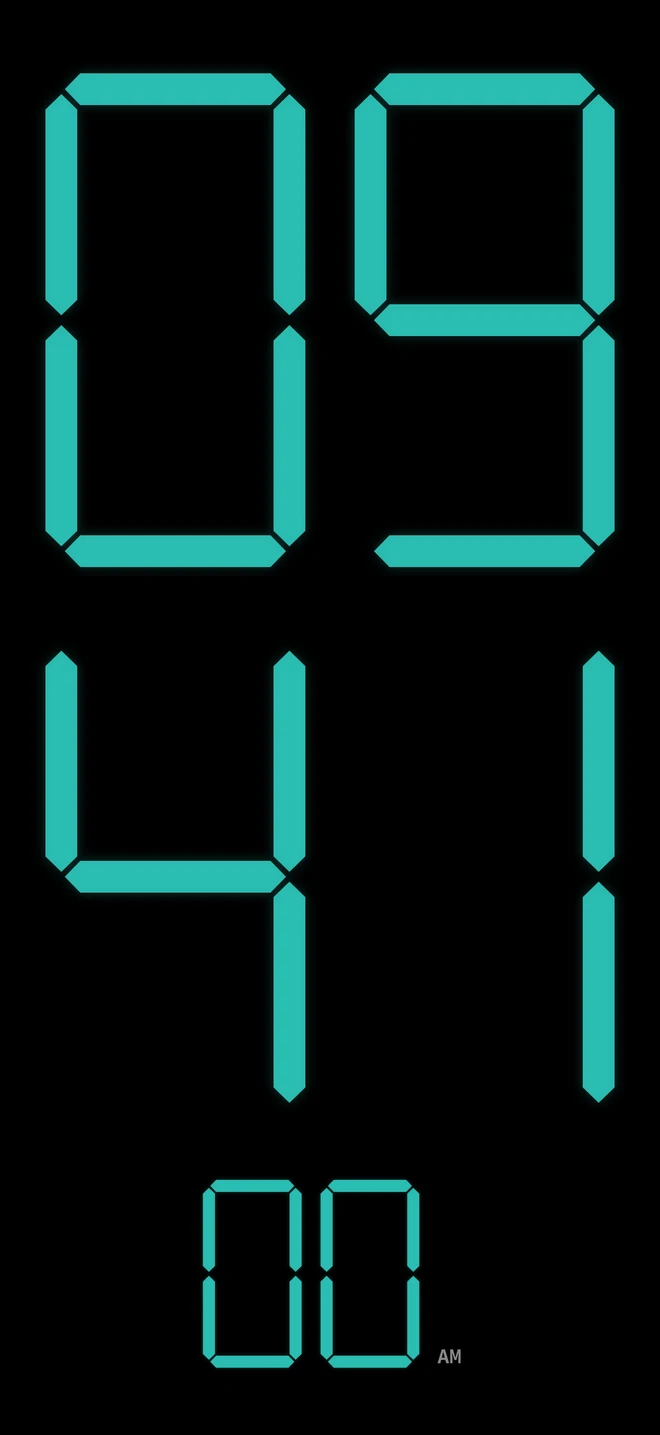
One living clock. A canvas for every day.
Time, right here
The original live clock demo, showing your local time.
DigiFLUX for iPhone, iPad & iPhone Duo
Start with a free clock, one alarm, Timer, Stopwatch and White sound. Add more tools with Pro, or build focus and bedtime routines with Pro Focus.
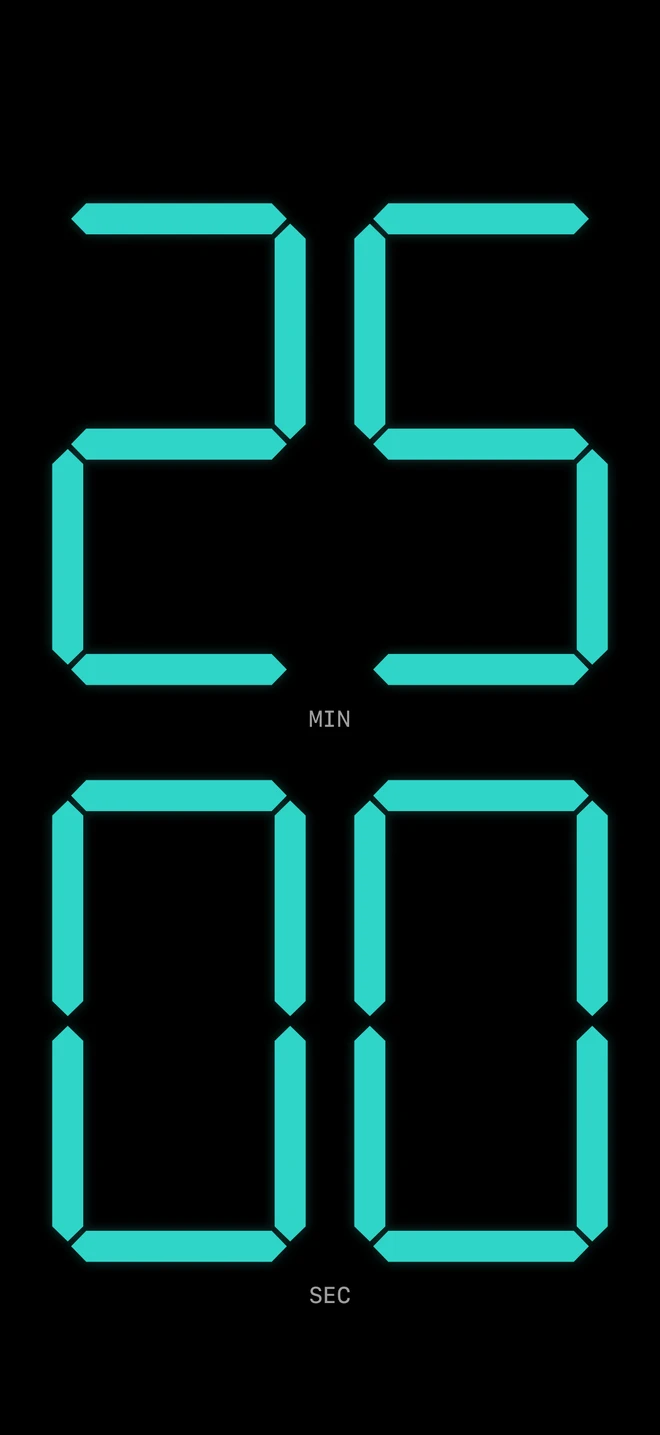
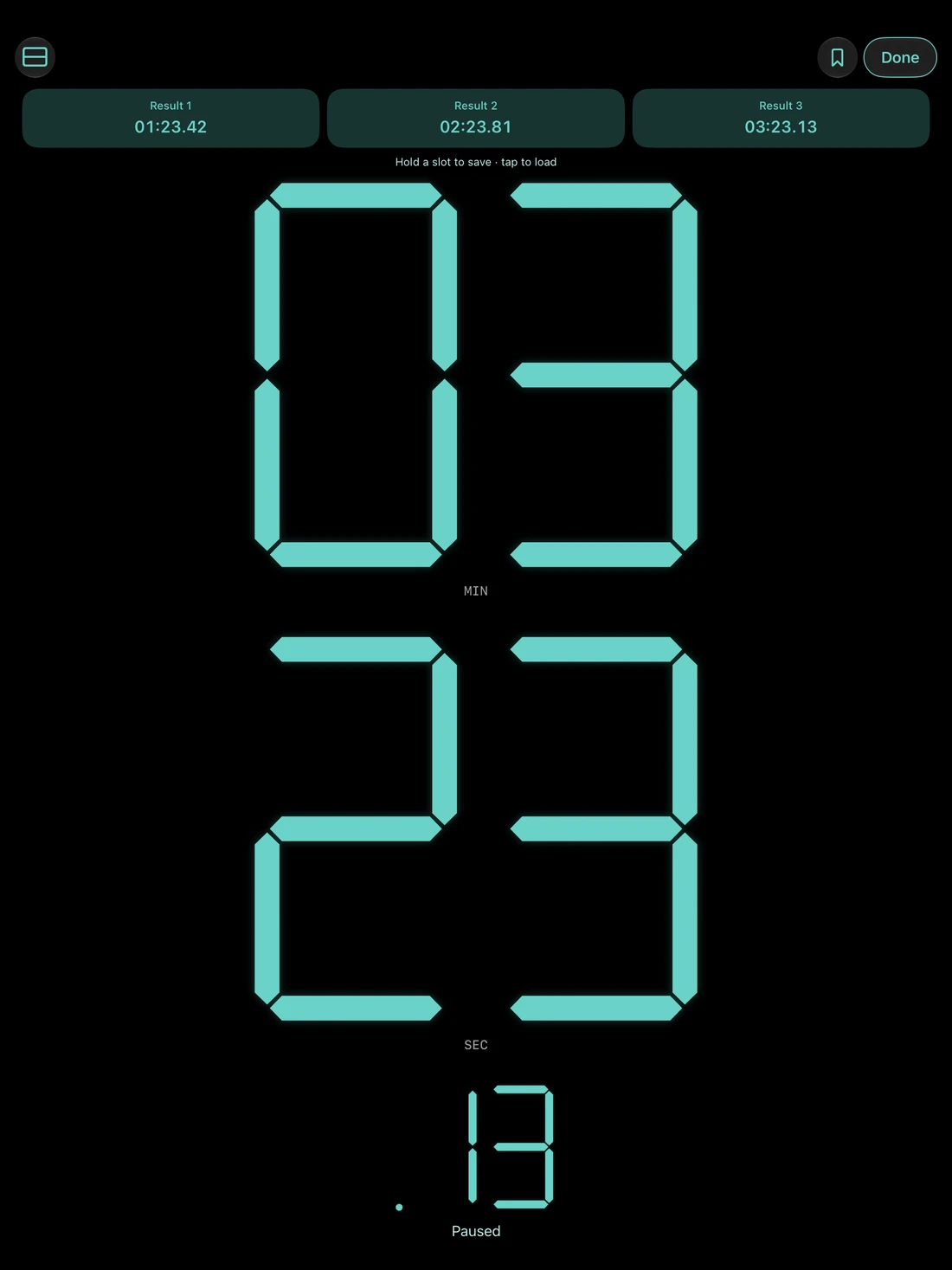
Tap the time to start or pause. Hold to reset. Saved presets are available with Pro.
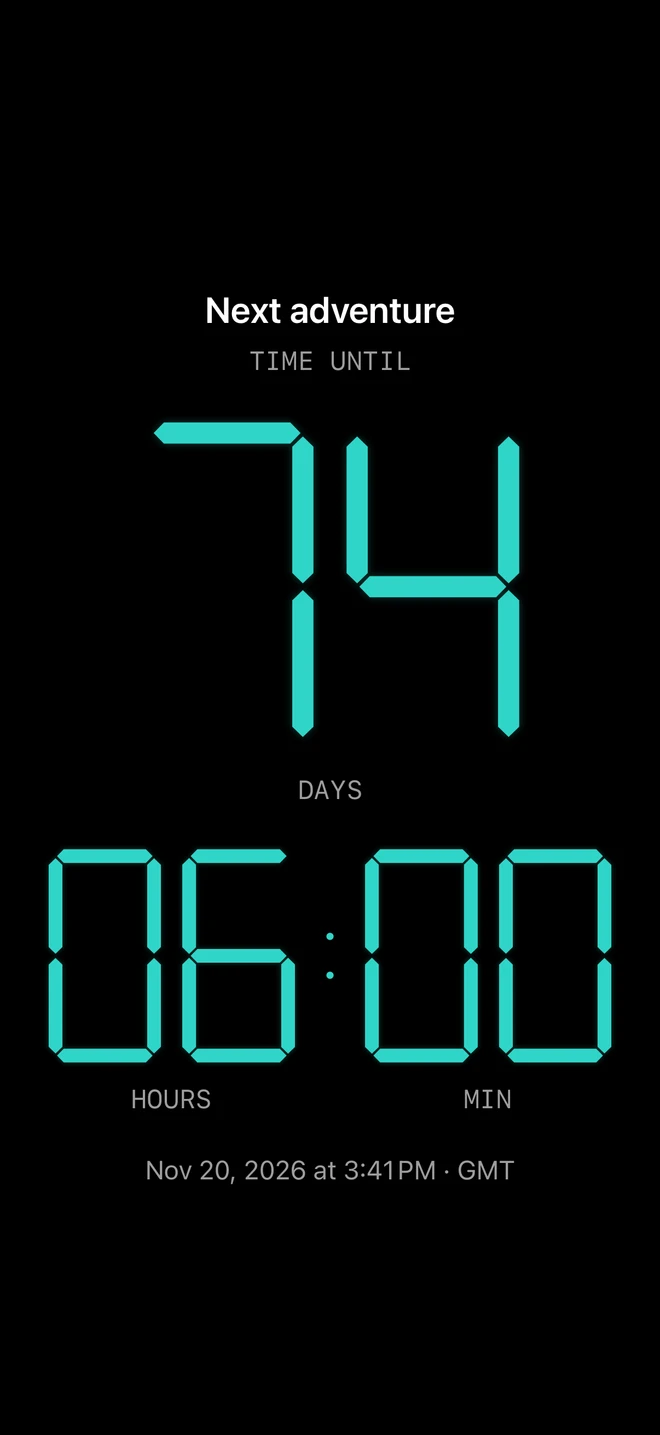
Save events, count until or since them, and keep a saved event on your Home Screen with a widget.
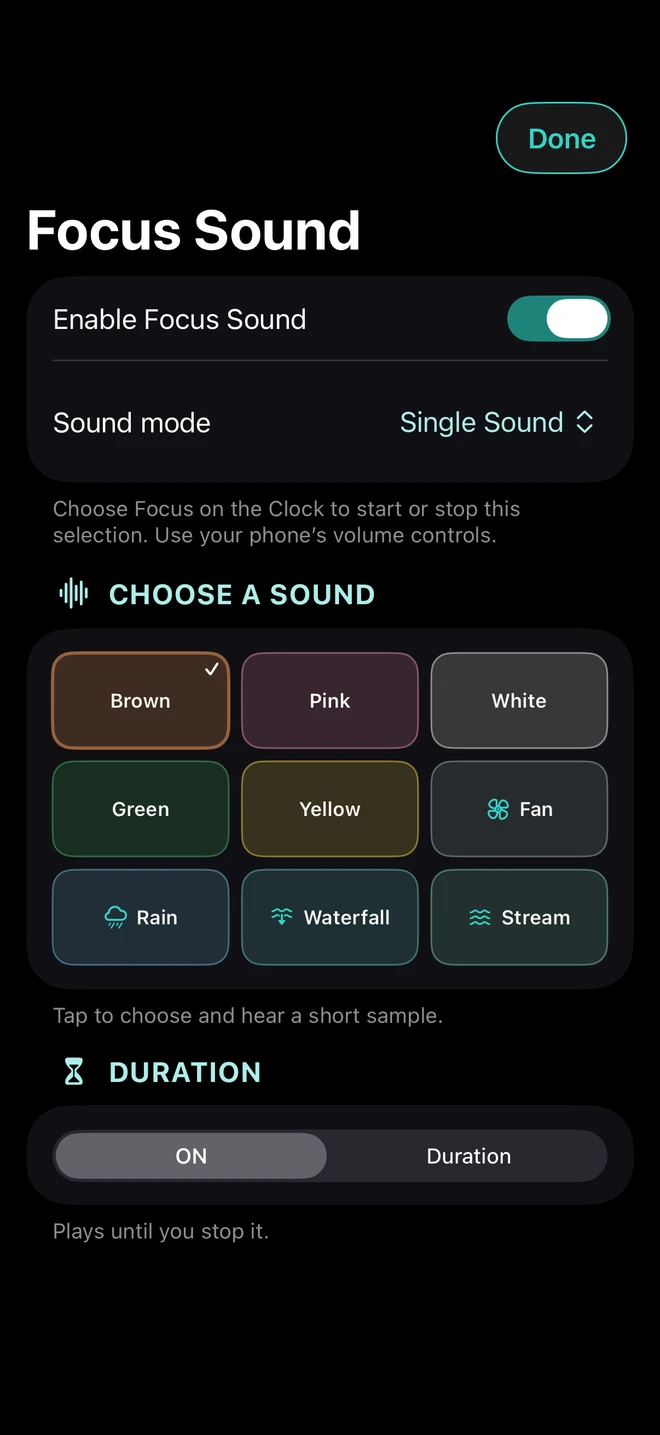
Choose a single sound, blend two, or set a duration, fade and two-stage sequence.
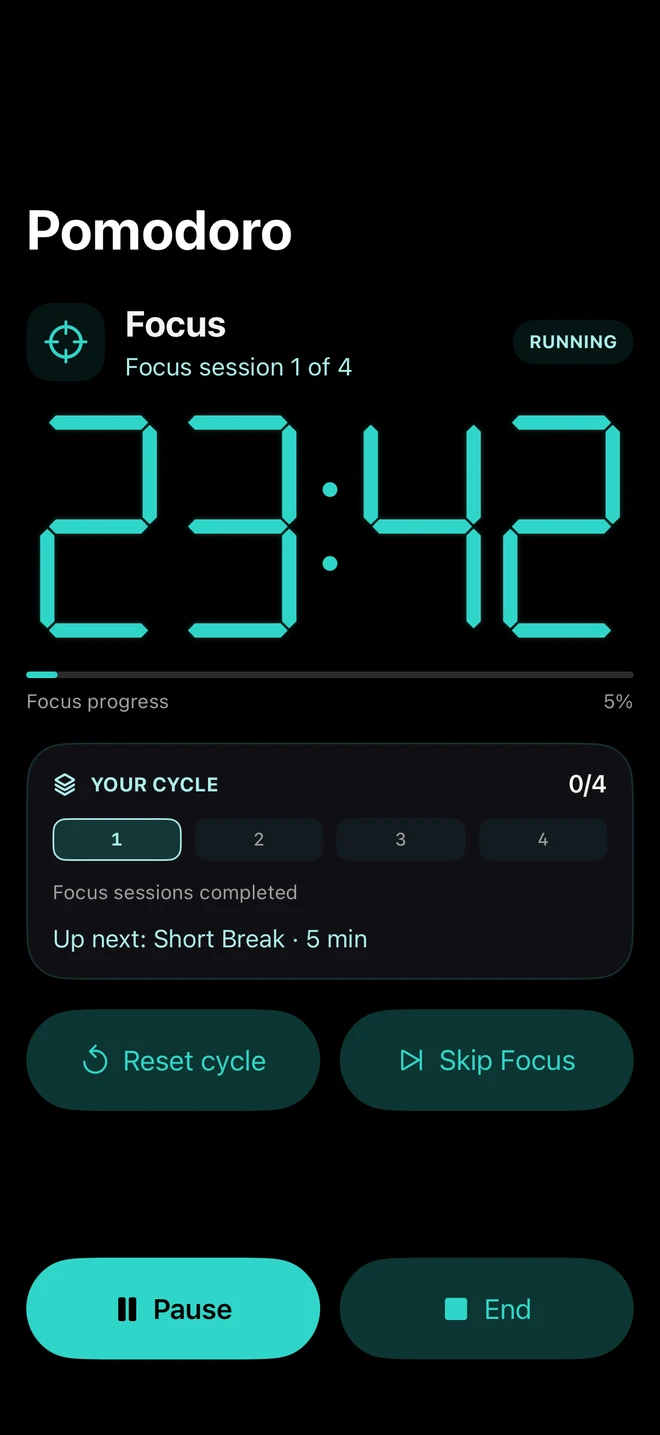
Set your Focus sessions and breaks, then give the next thing your attention.
One named alarm is free, with repeat days and optional Snooze. Pro adds up to seven regular alarms, more alert sounds and next-or-cycling alarm display on the Clock.
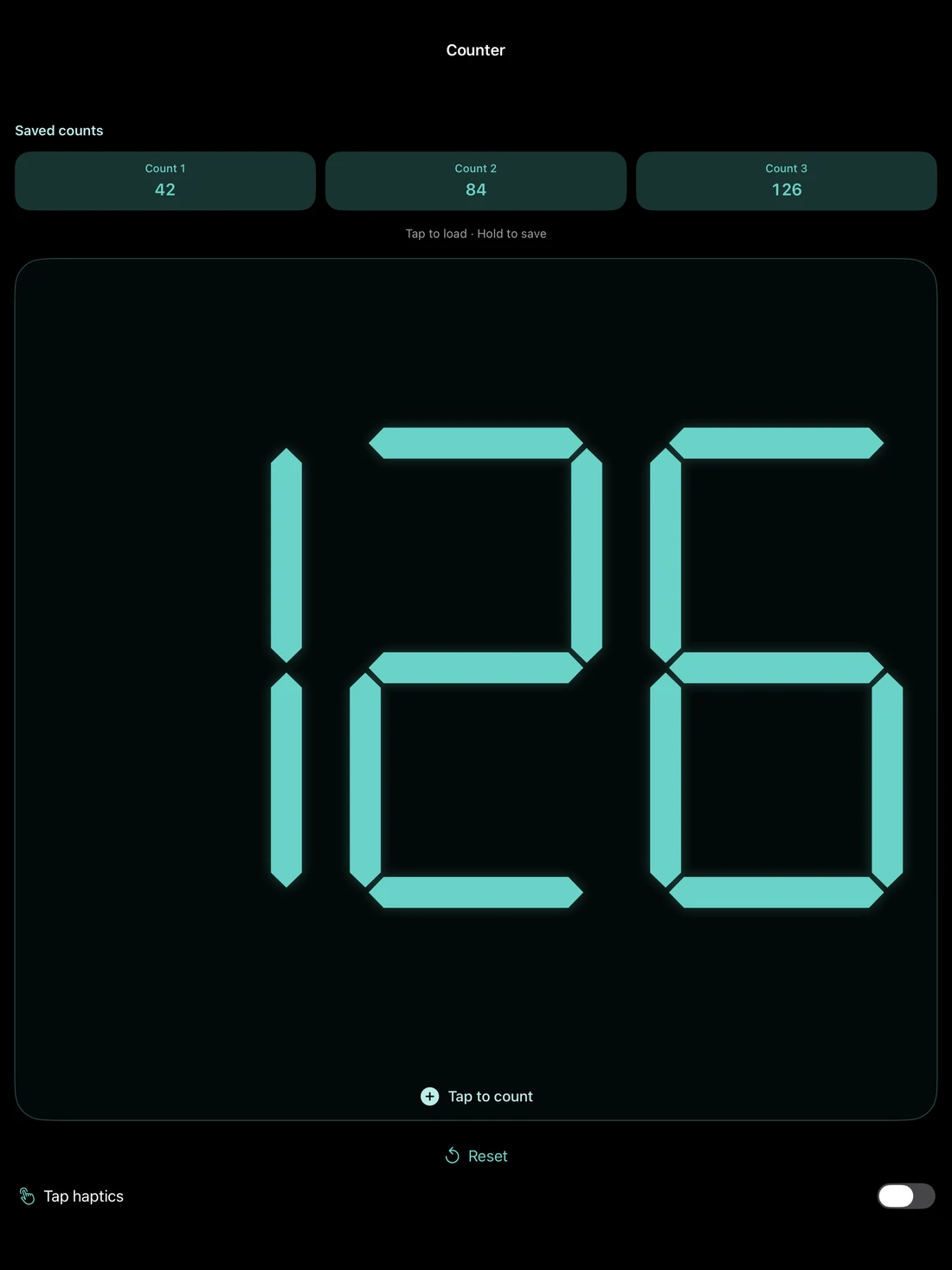
Use Stopwatch with laps and stacked or side-by-side layouts. Pro adds three saved results to load and continue, plus a Counter with three saved counts.
More room. The same rhythm.
The same adaptive app for iPhone, iPad and iPhone Duo, with an Apple Watch companion for your paired iPhone.
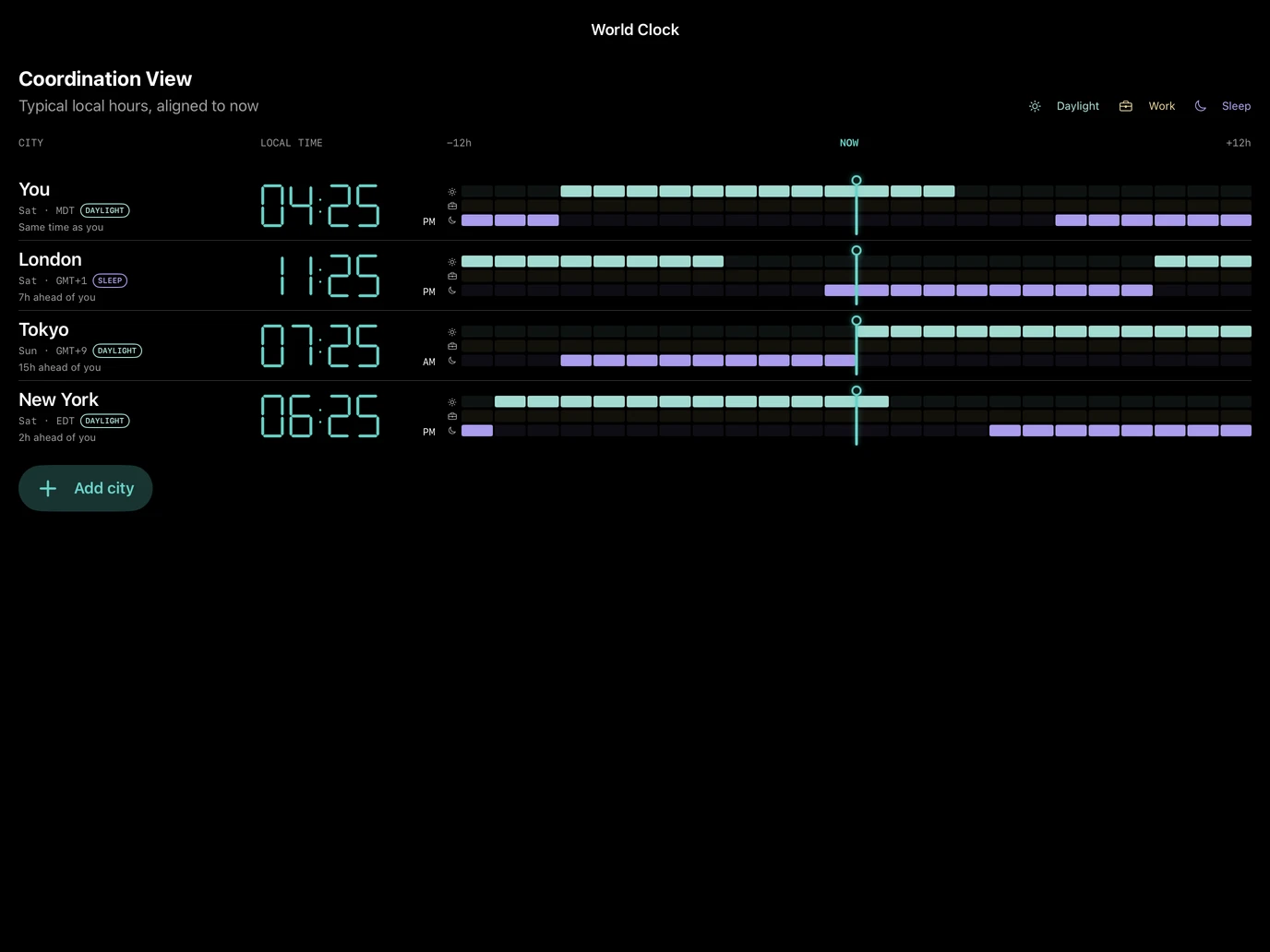
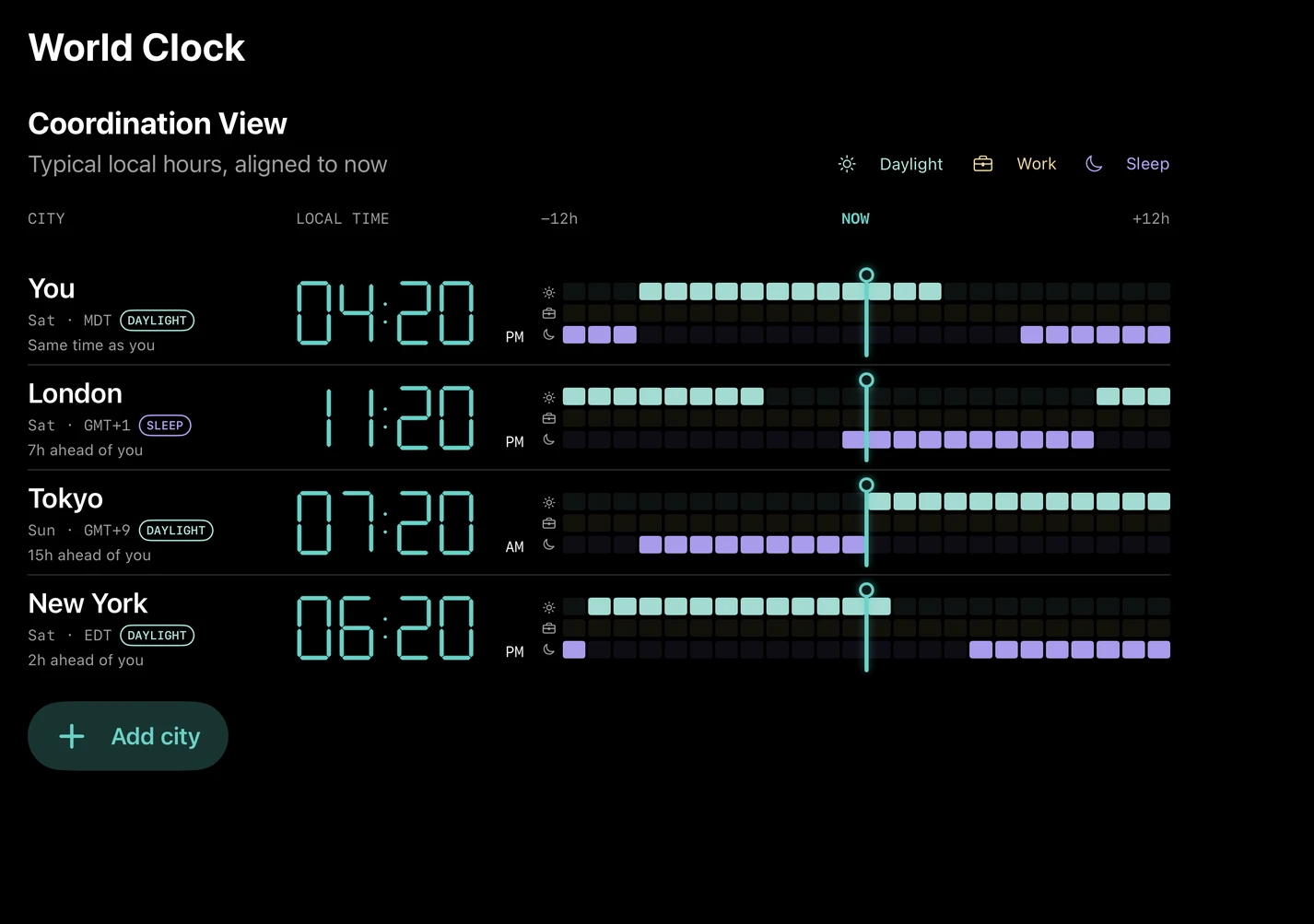
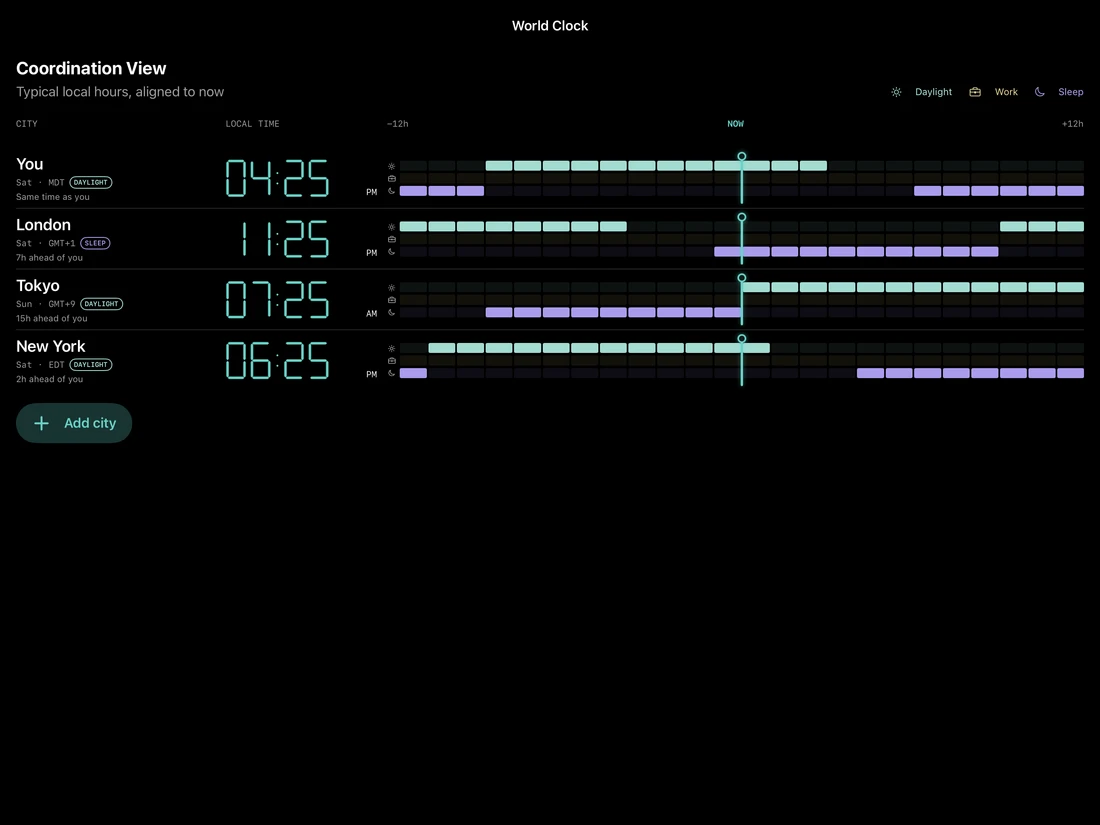
Compare cities and use the landscape Coordination View to find shared daylight, work and sleep windows.
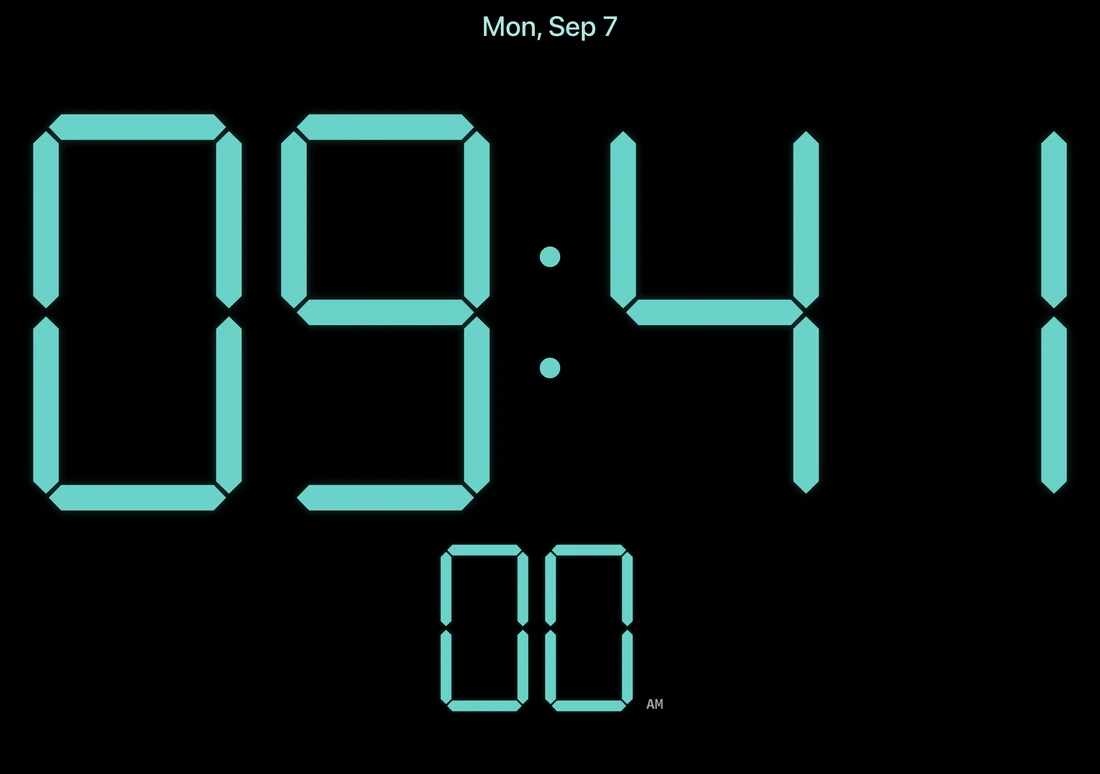
Centered Clock and time tools adapt to inner and outer displays, portrait and landscape. In partially open views, Settings opens on the right.
Apple Watch companion
Carry the kinetic Clock on your wrist and use companion controls for sound, Timer and Stopwatch on your paired iPhone. The iPhone handles sound playback and wake alarms.
Included with the upcoming iPhone app. Companion controls require a reachable paired iPhone.
Inside the latest build
Browse the current native app screens. Select an image to see it in full.
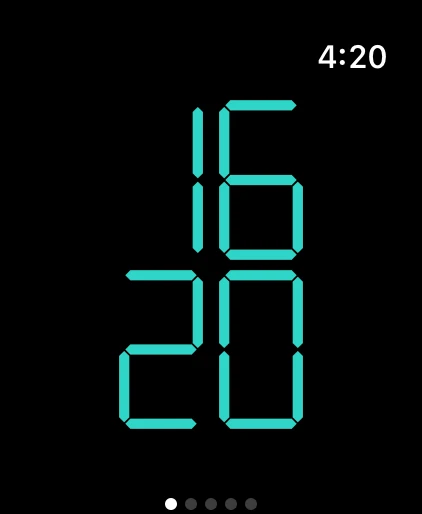
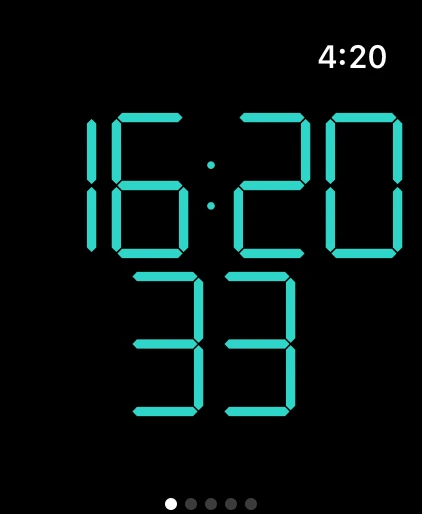
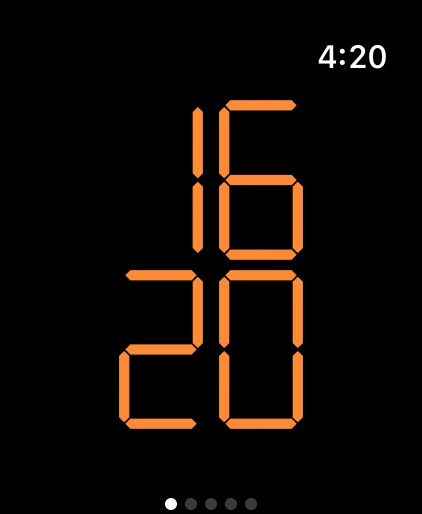
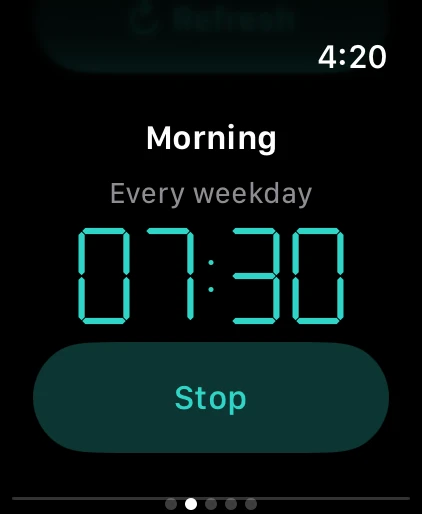
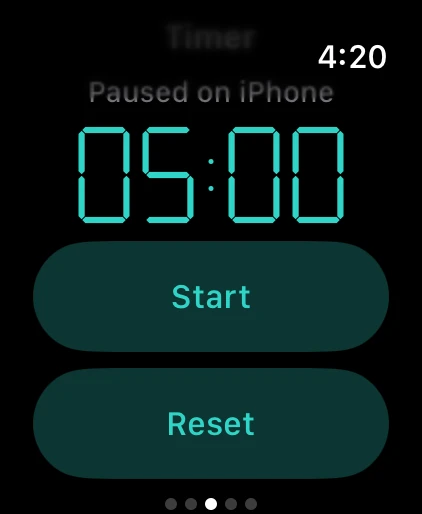
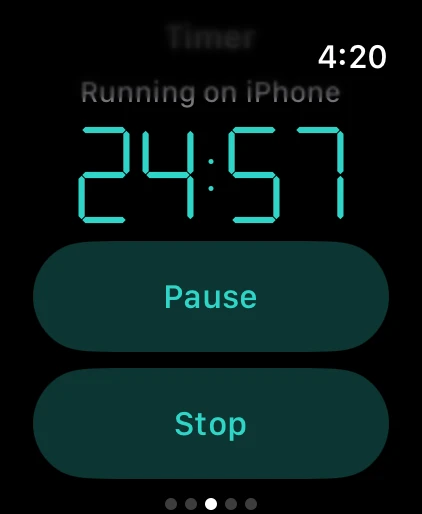
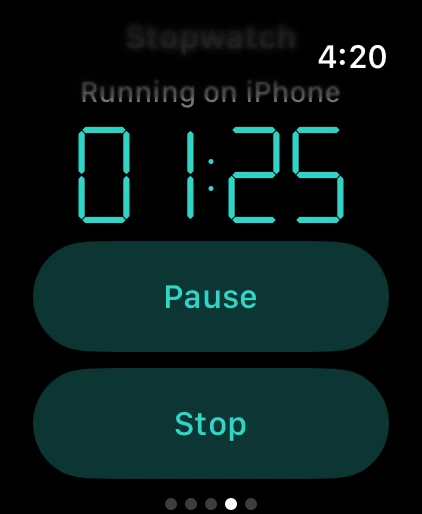
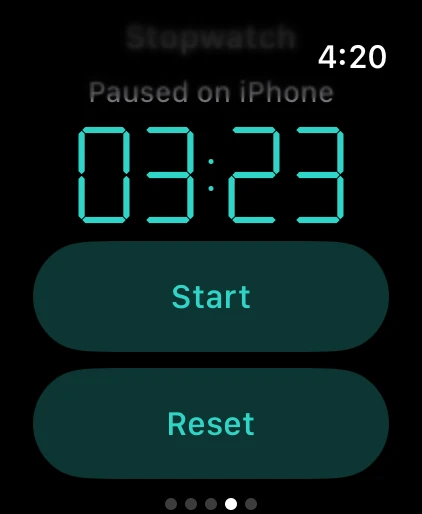
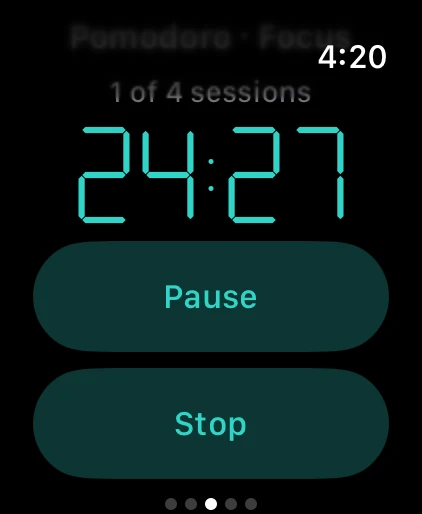
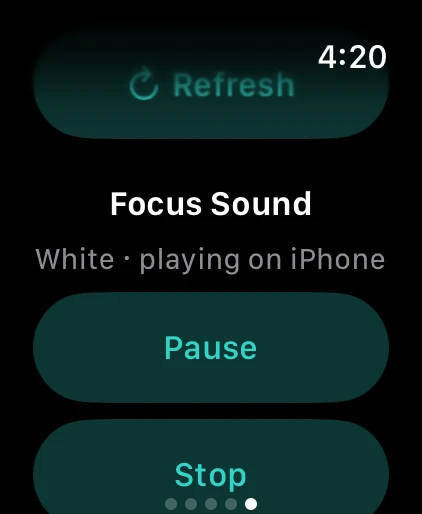
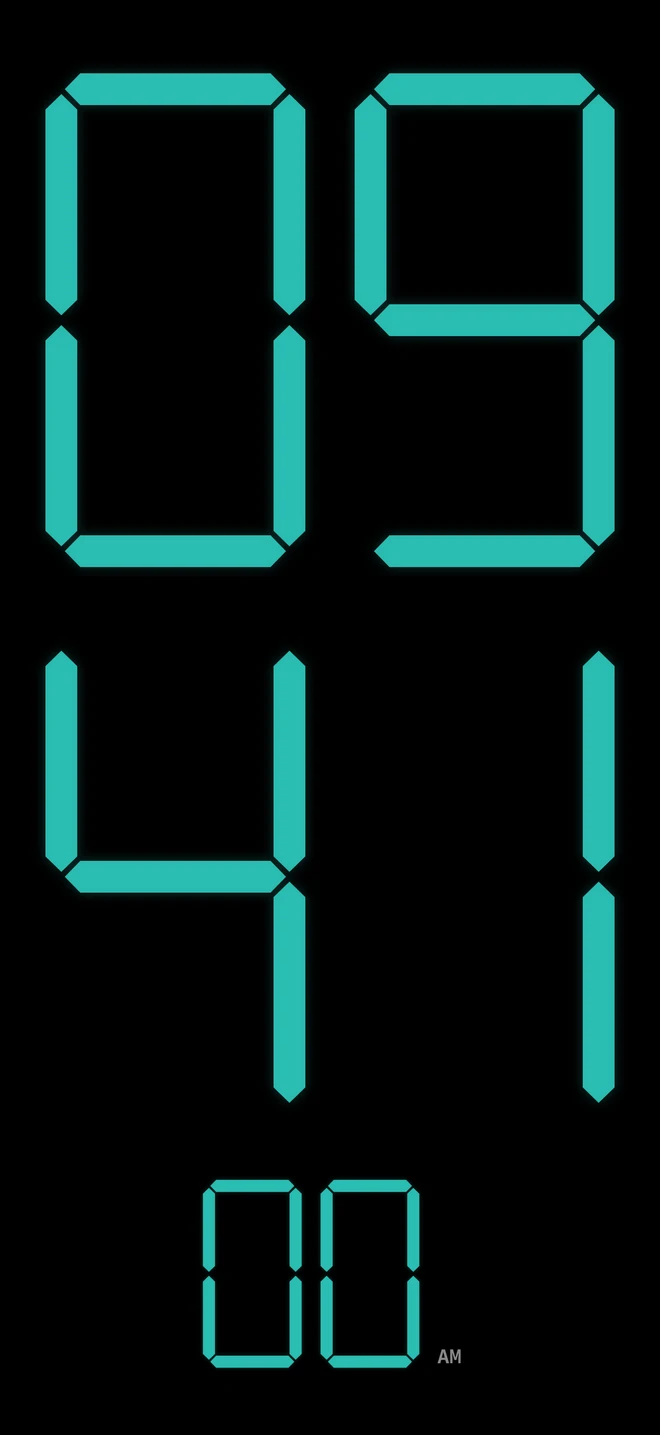
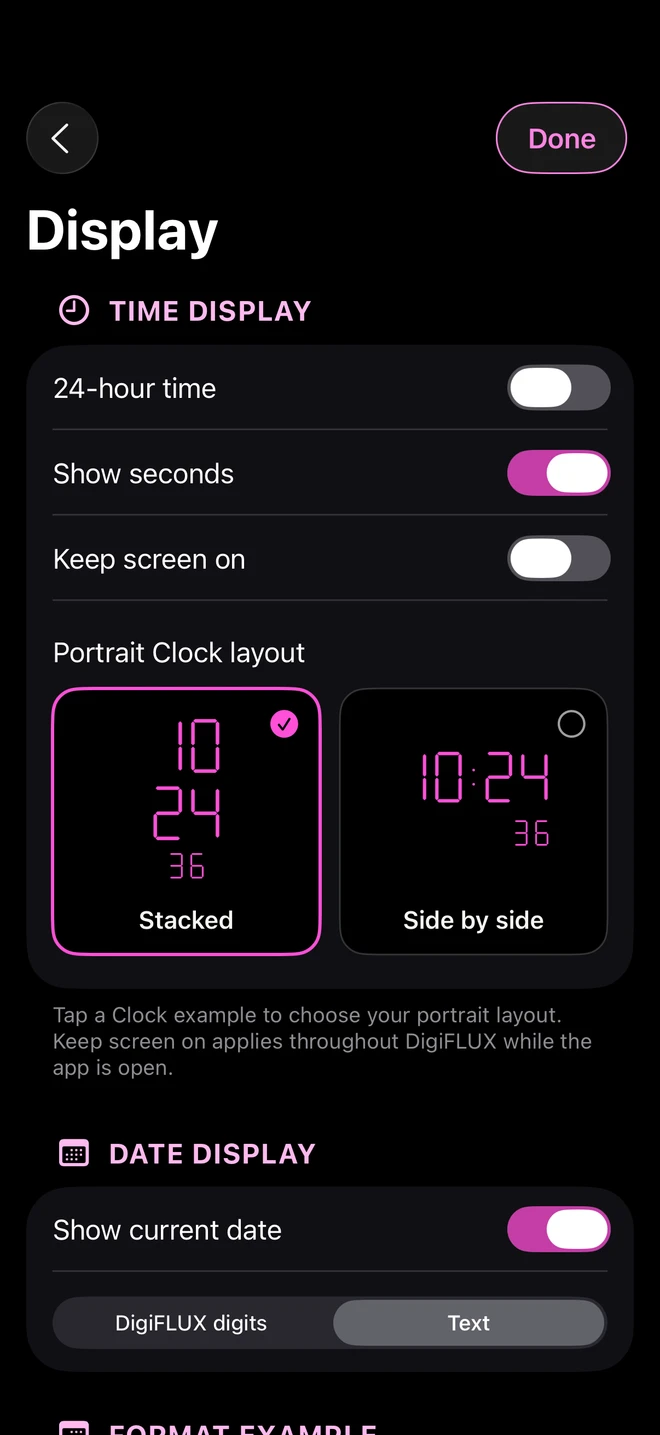
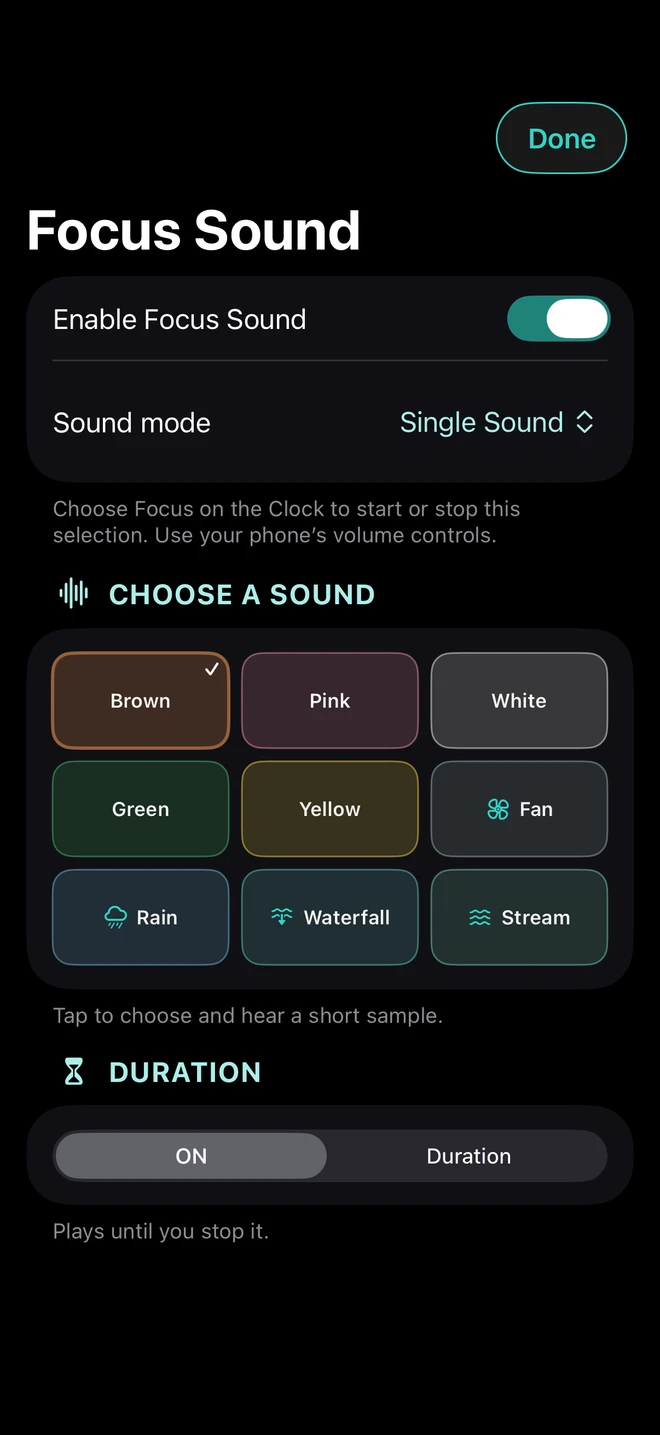
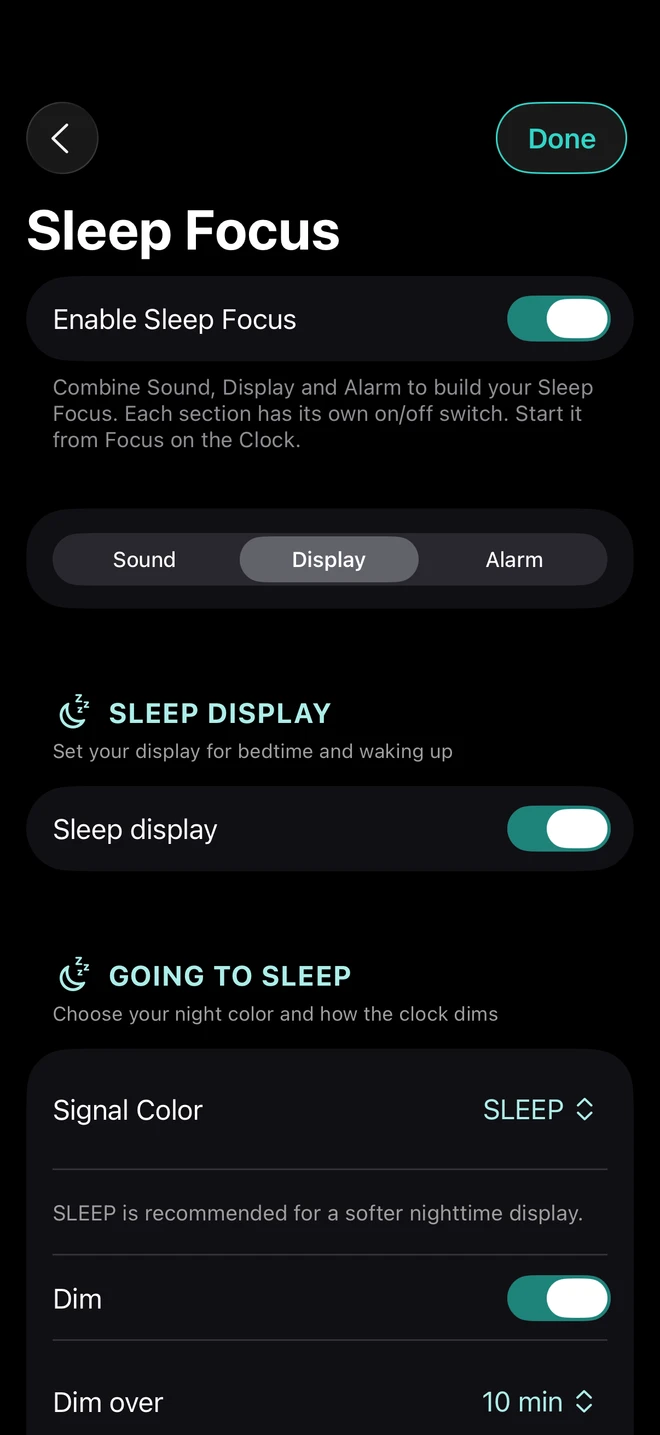
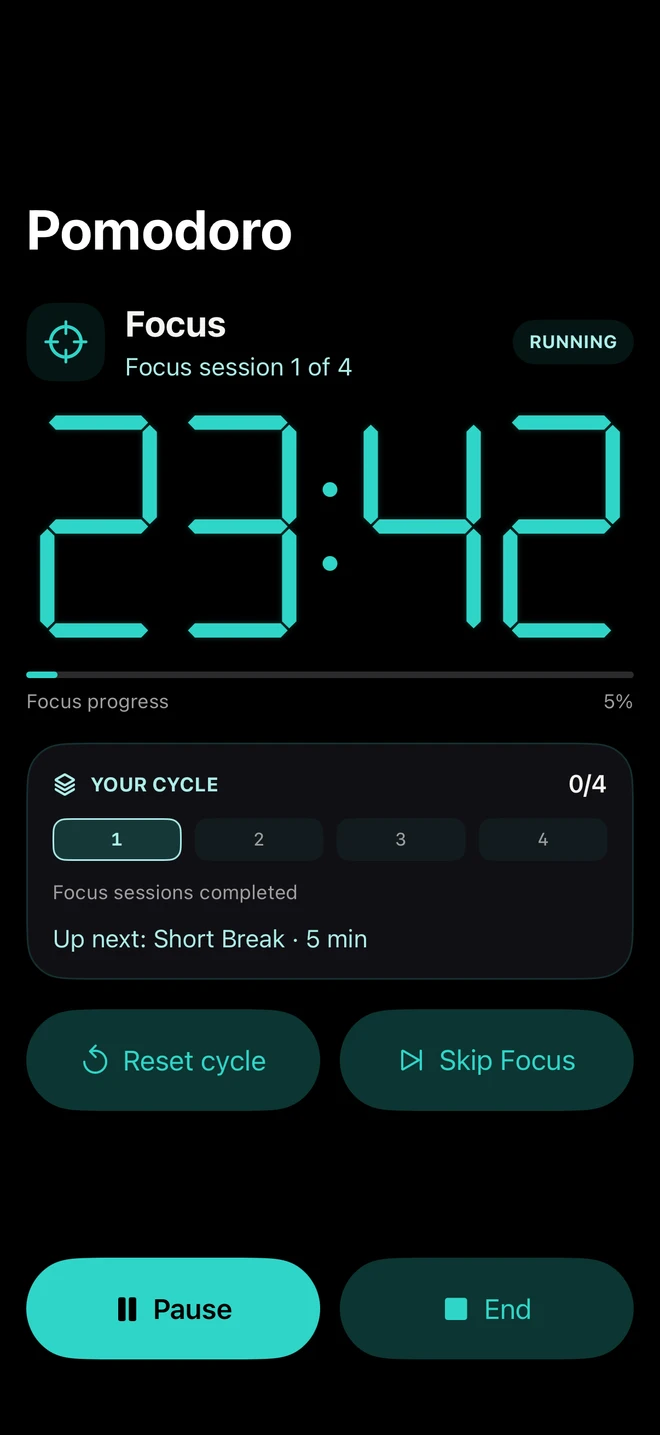
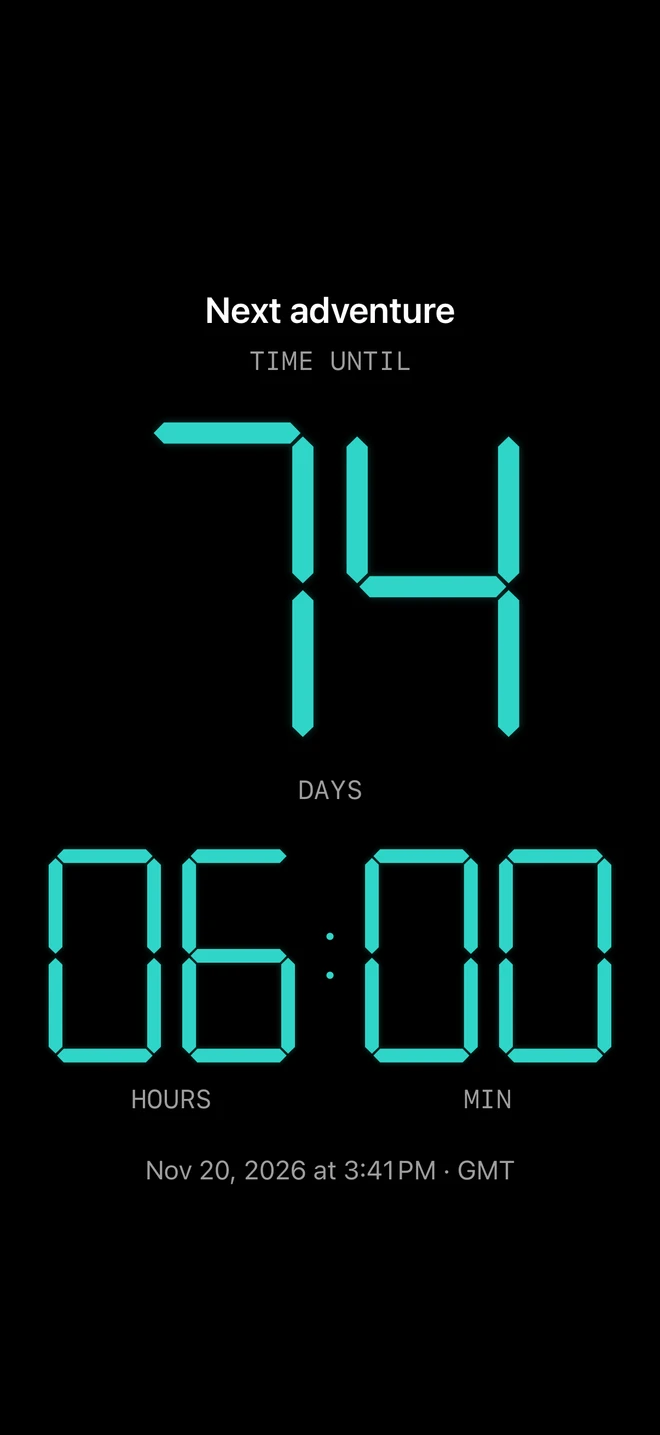
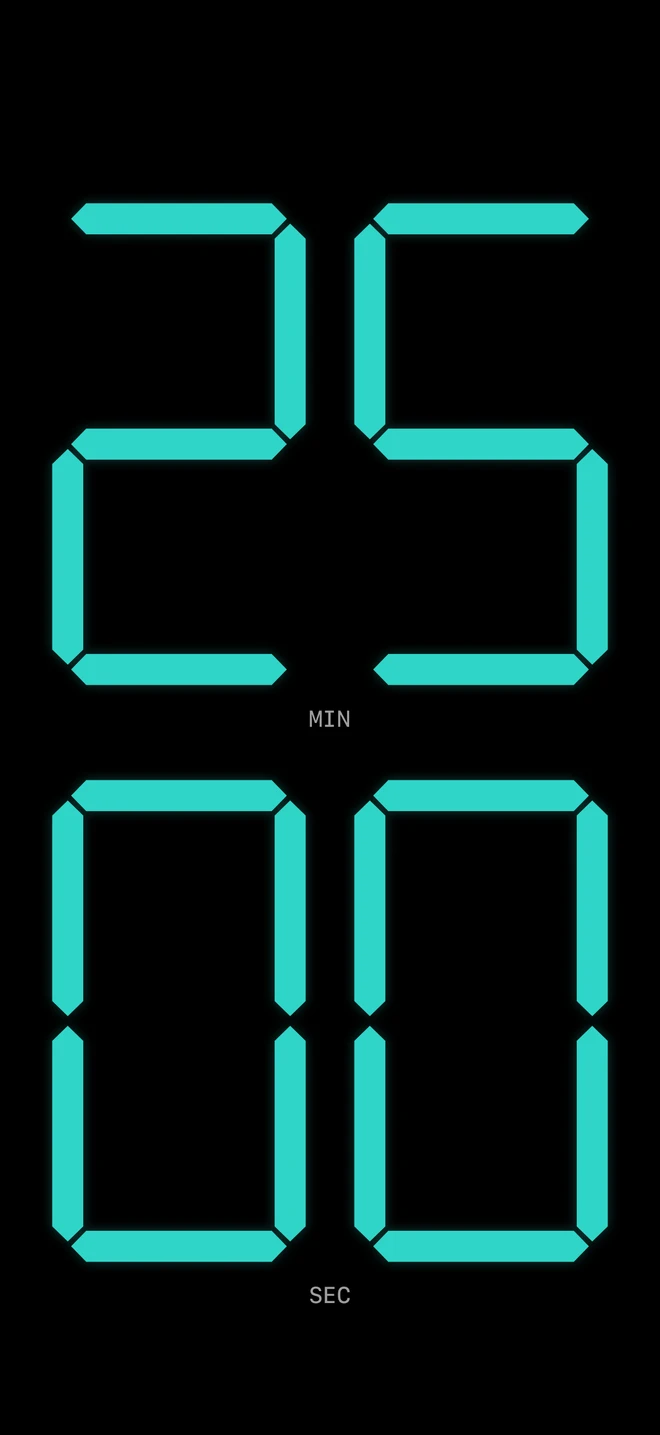
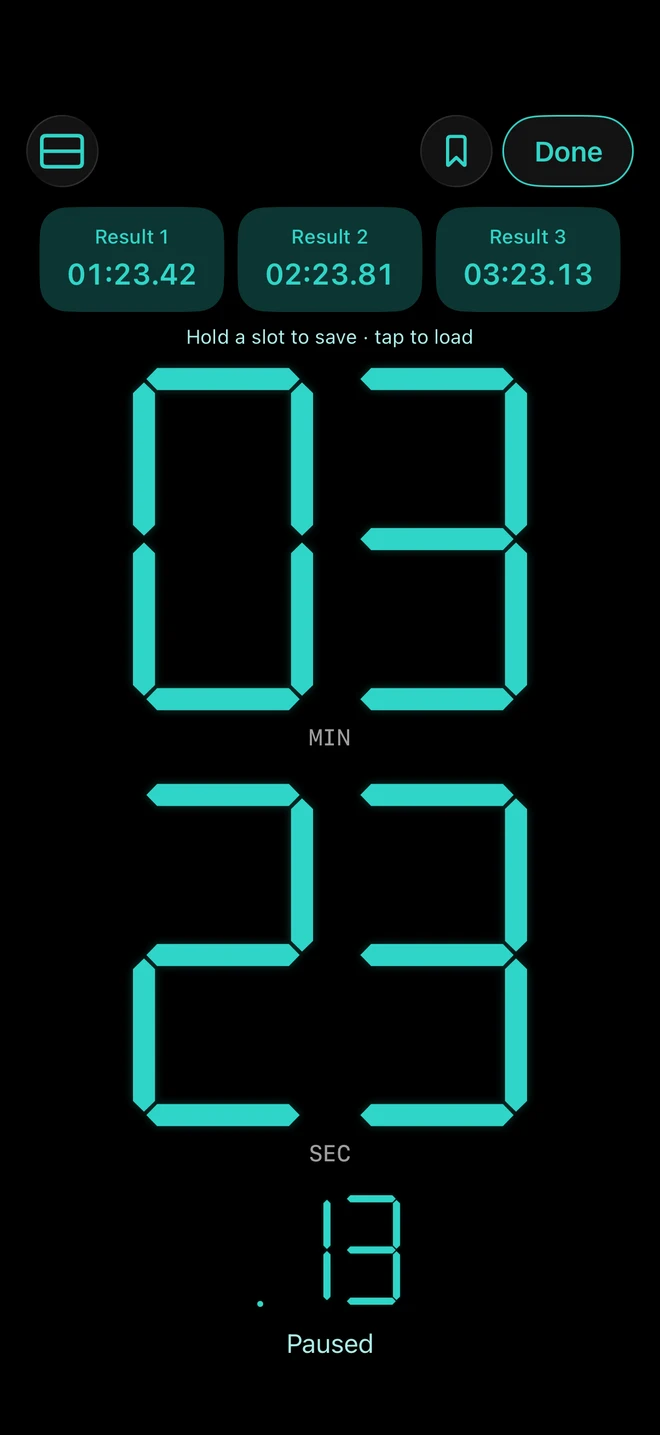
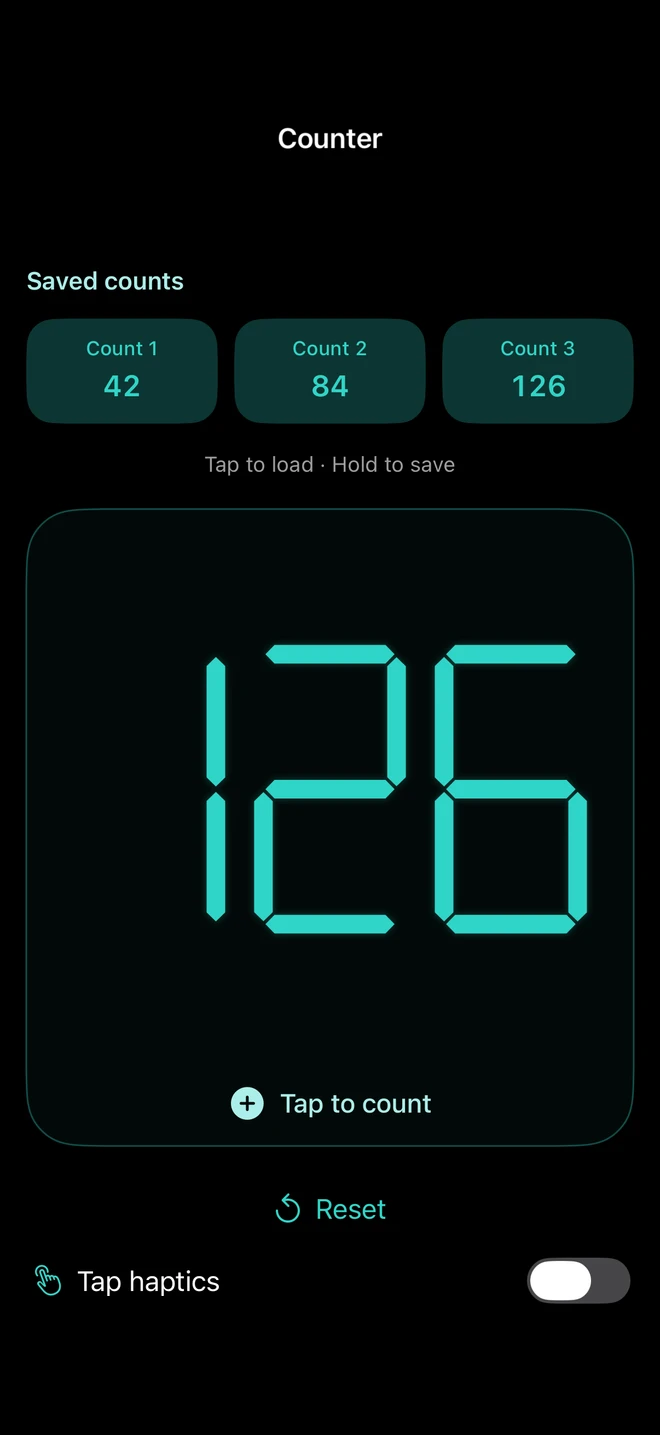
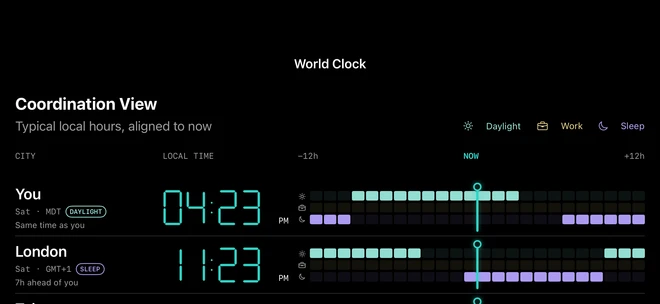
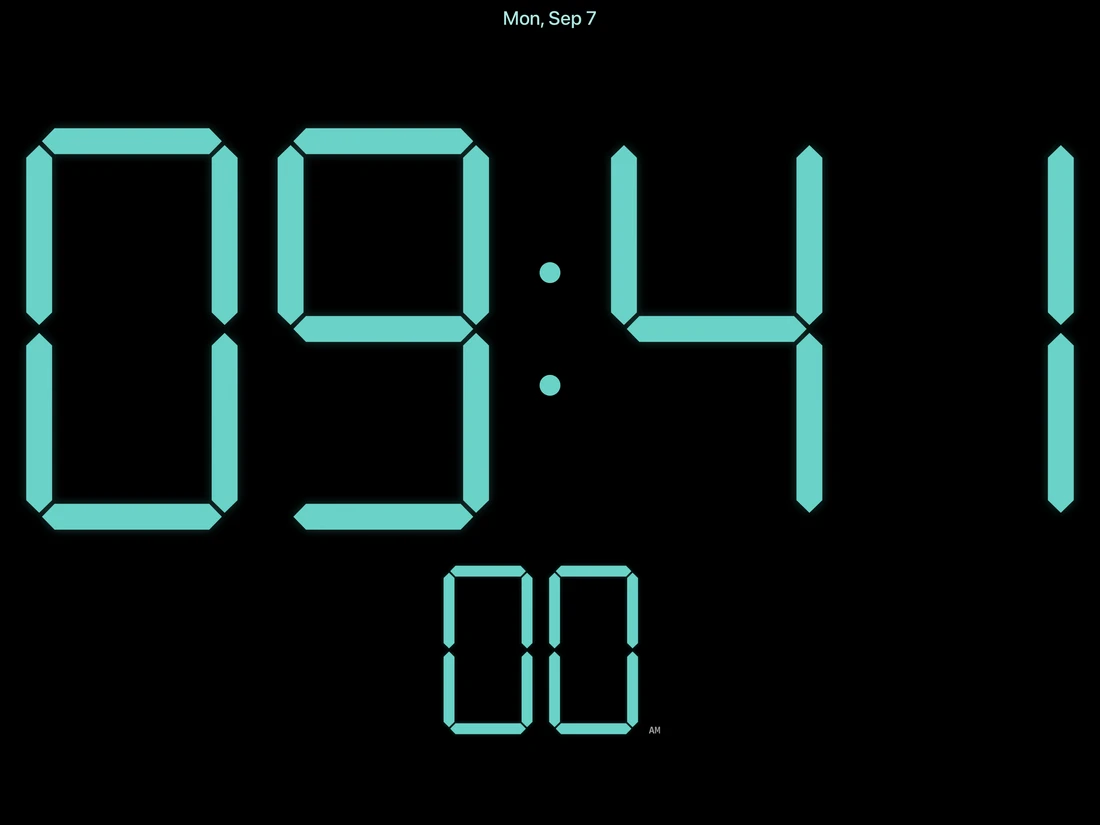
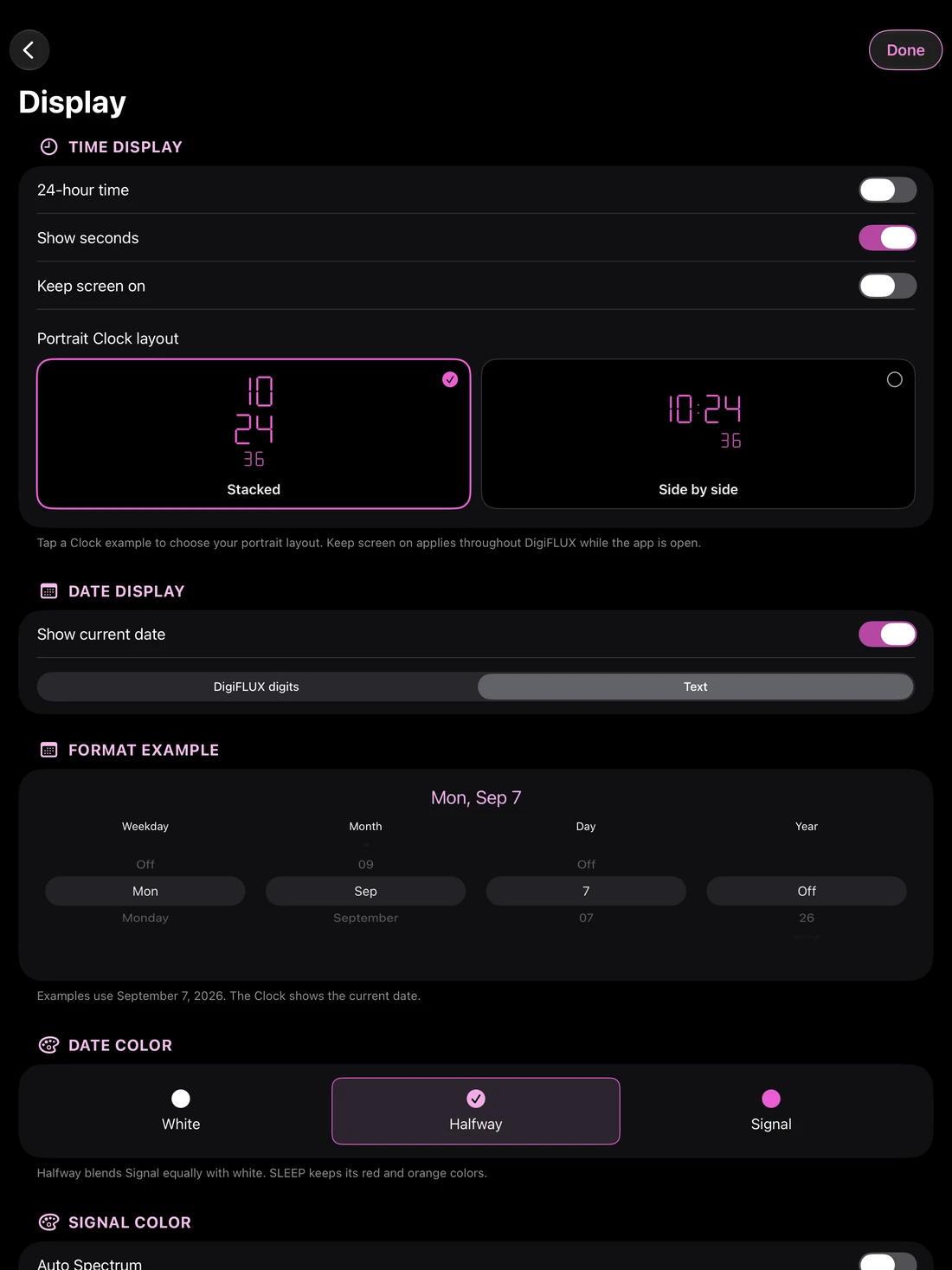
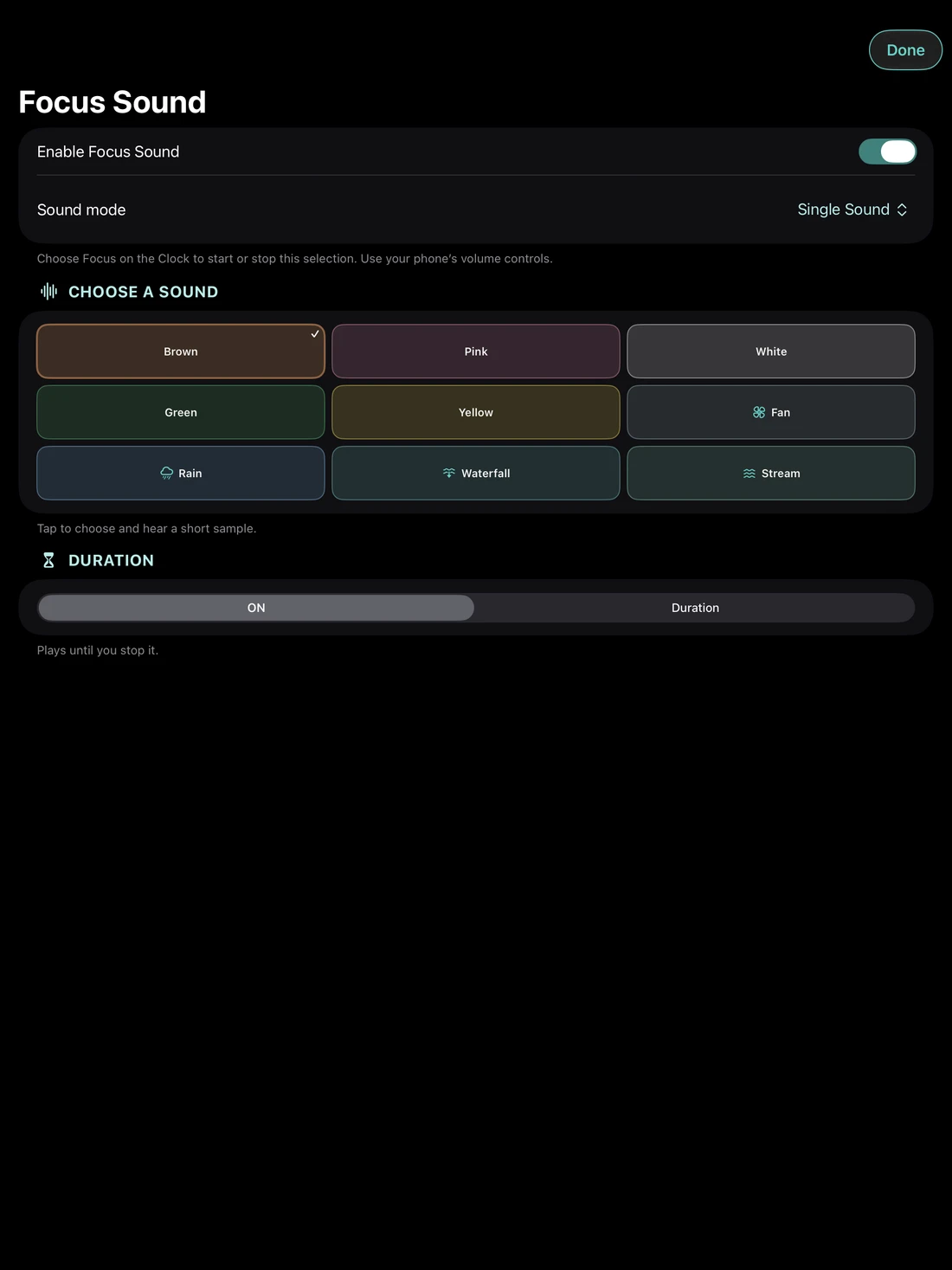
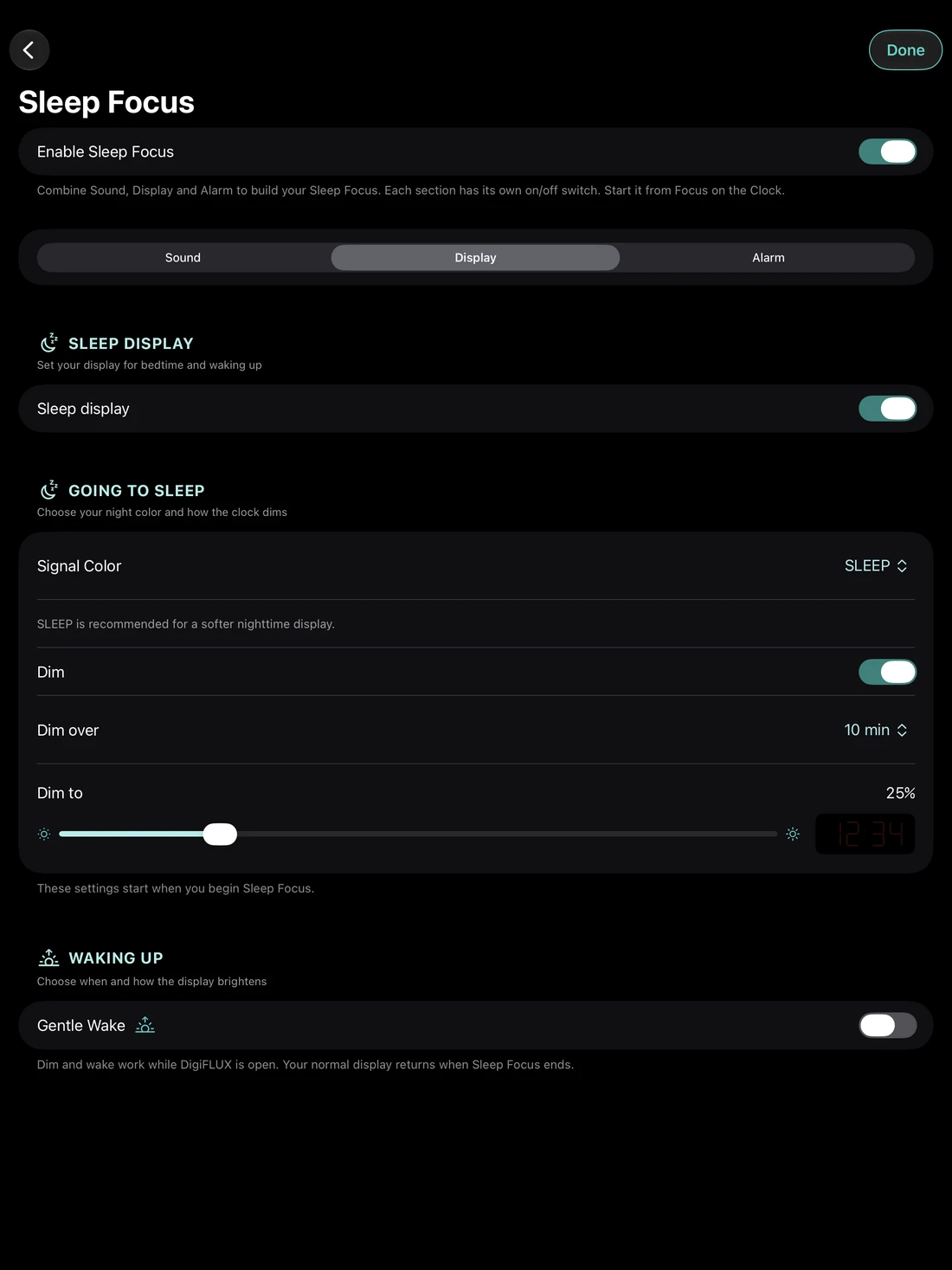
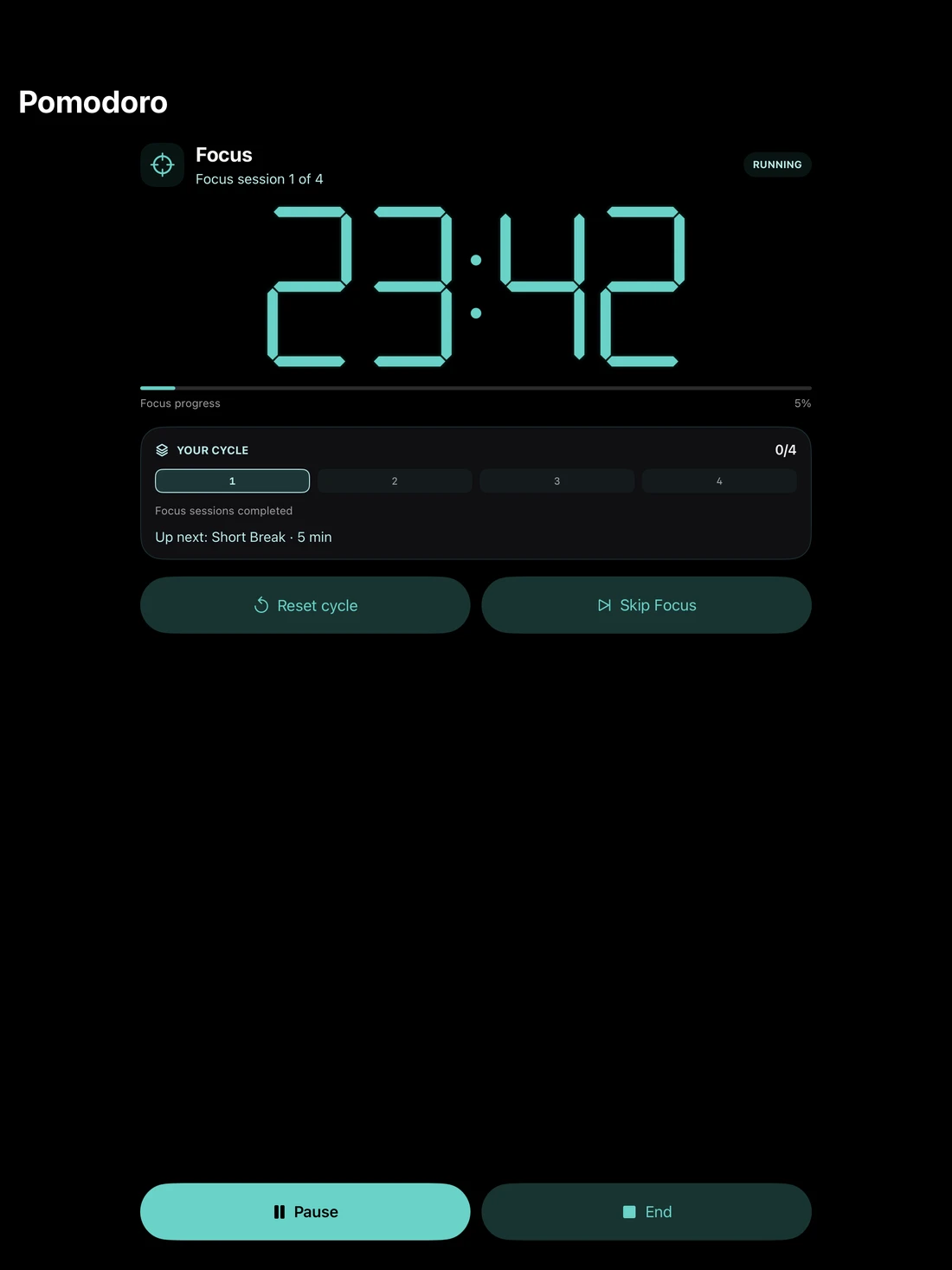
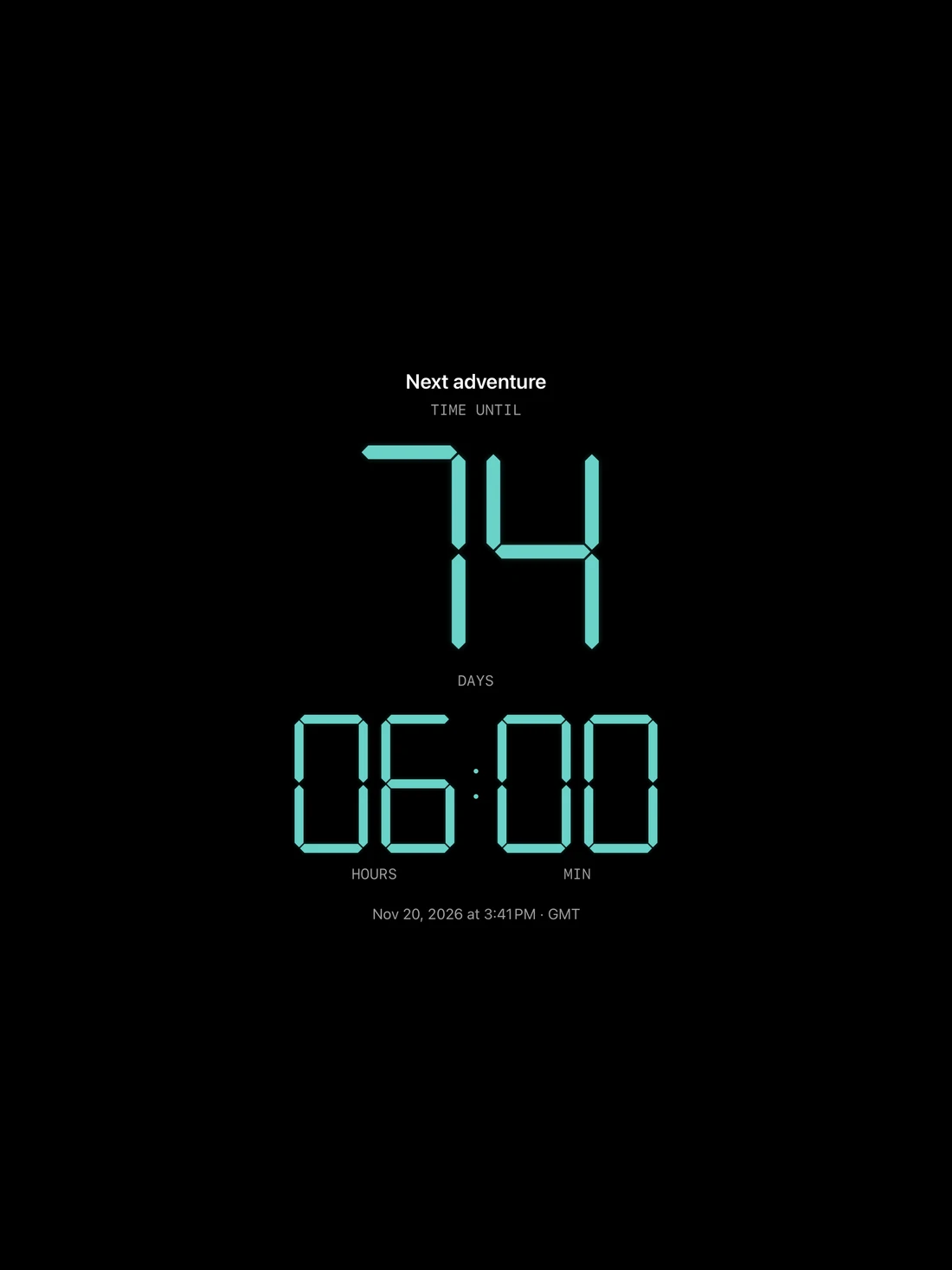
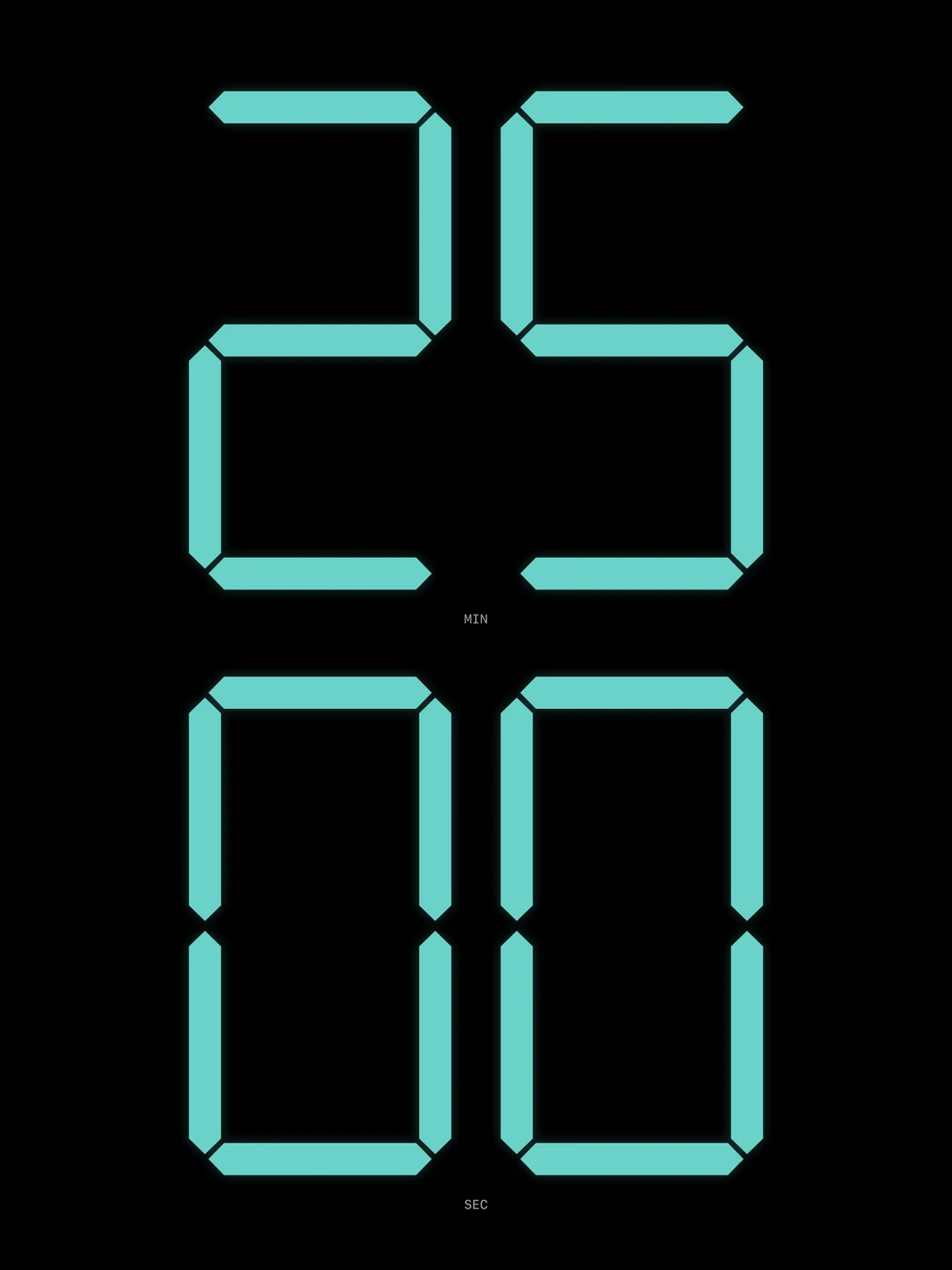
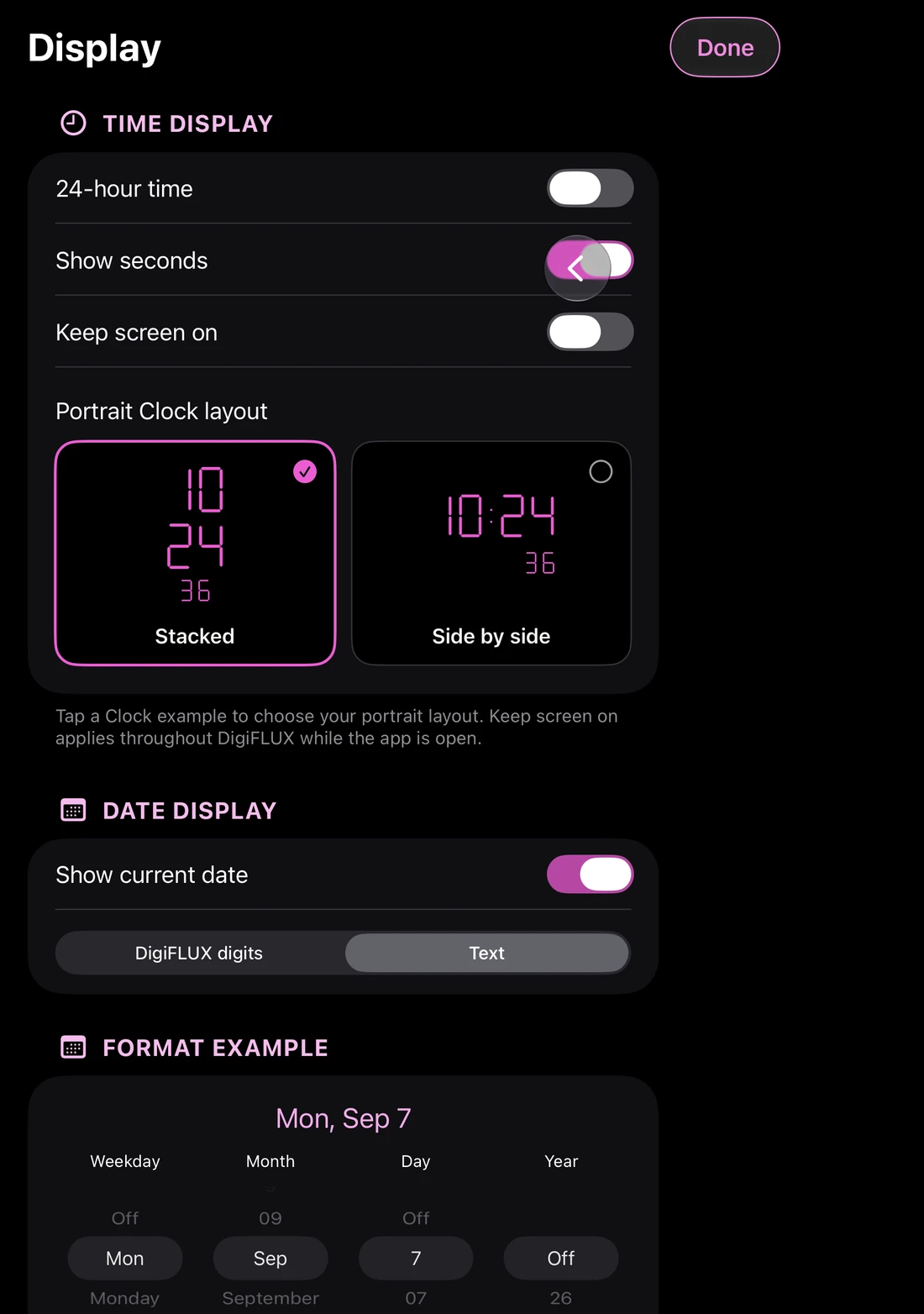
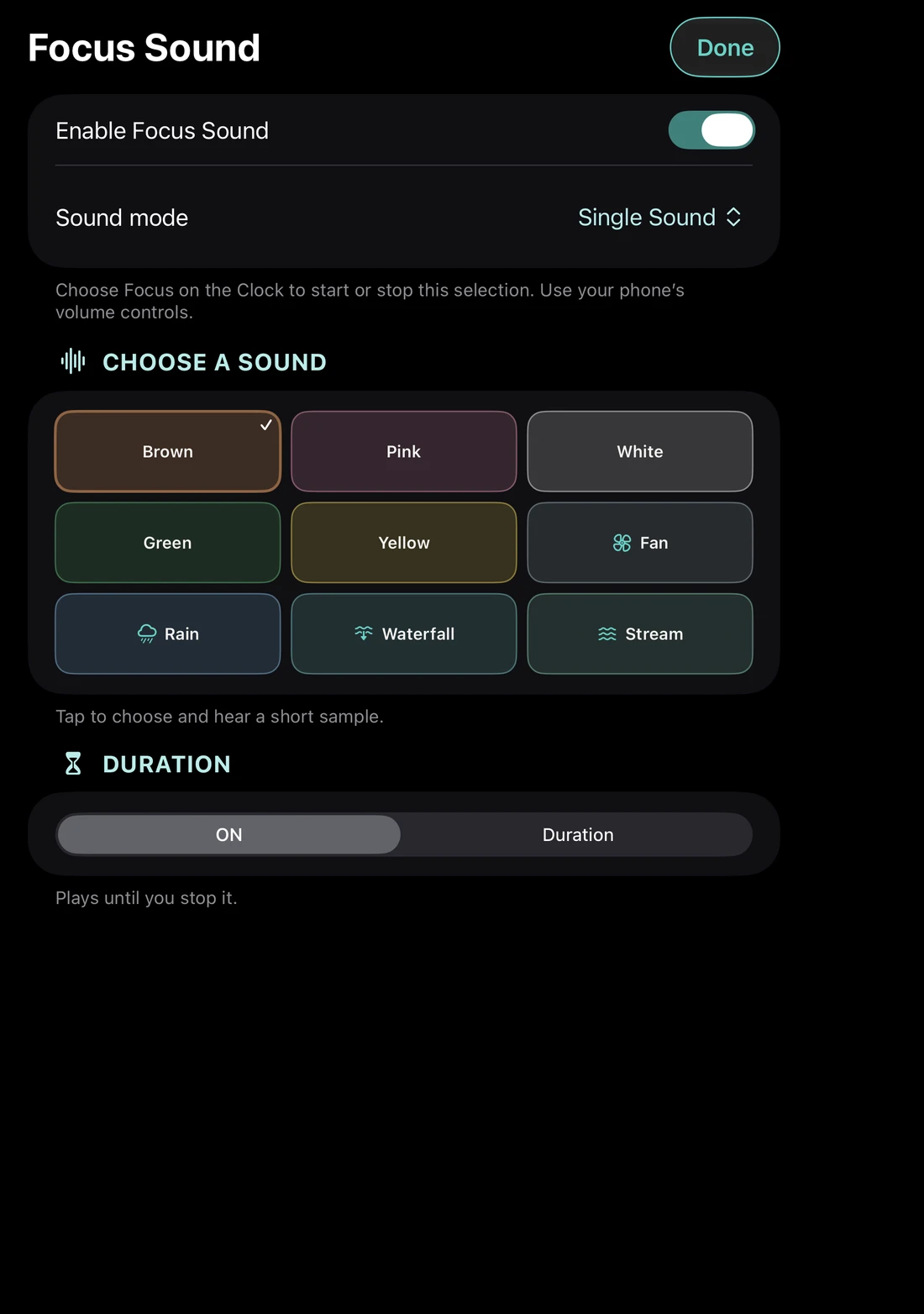
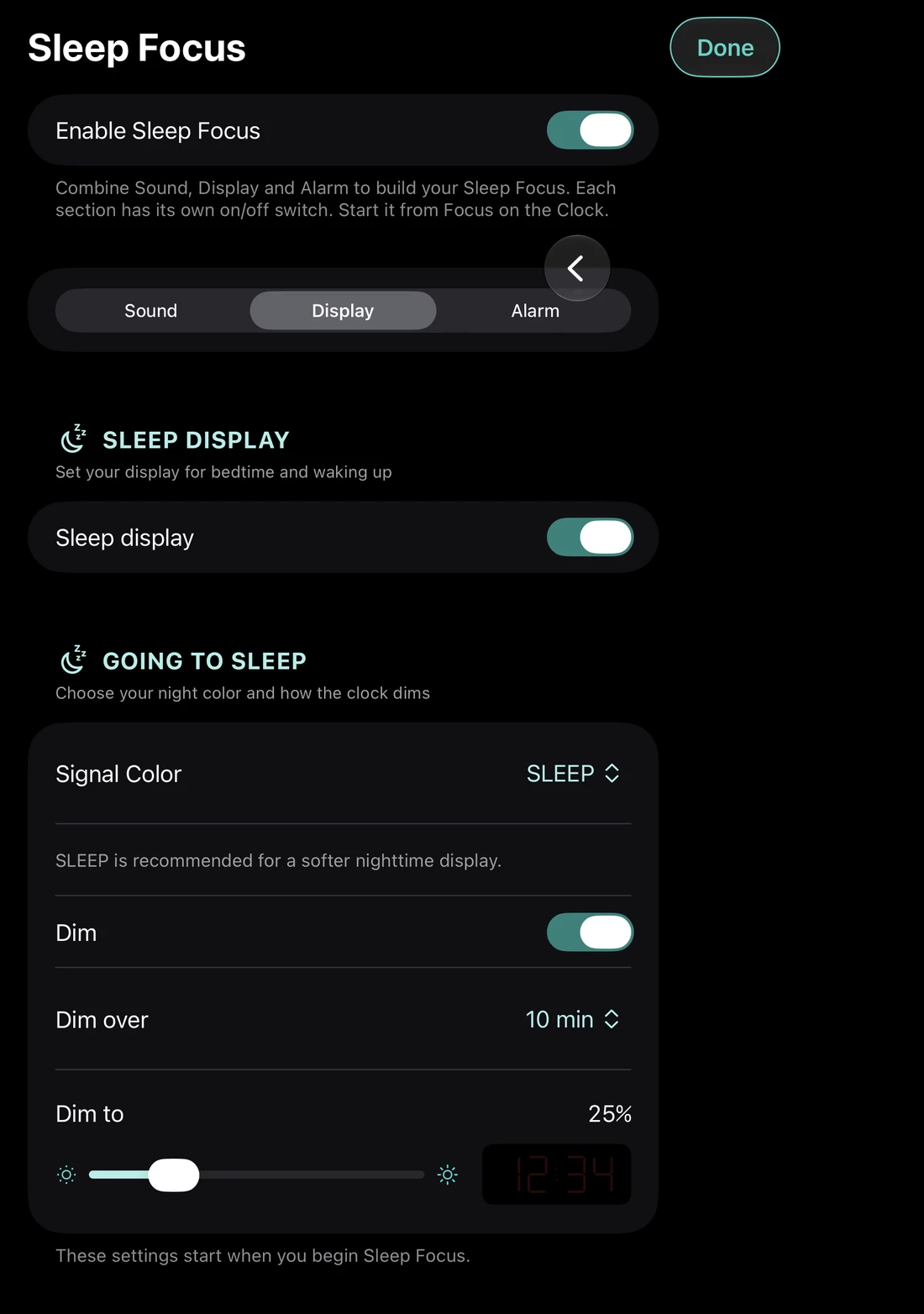
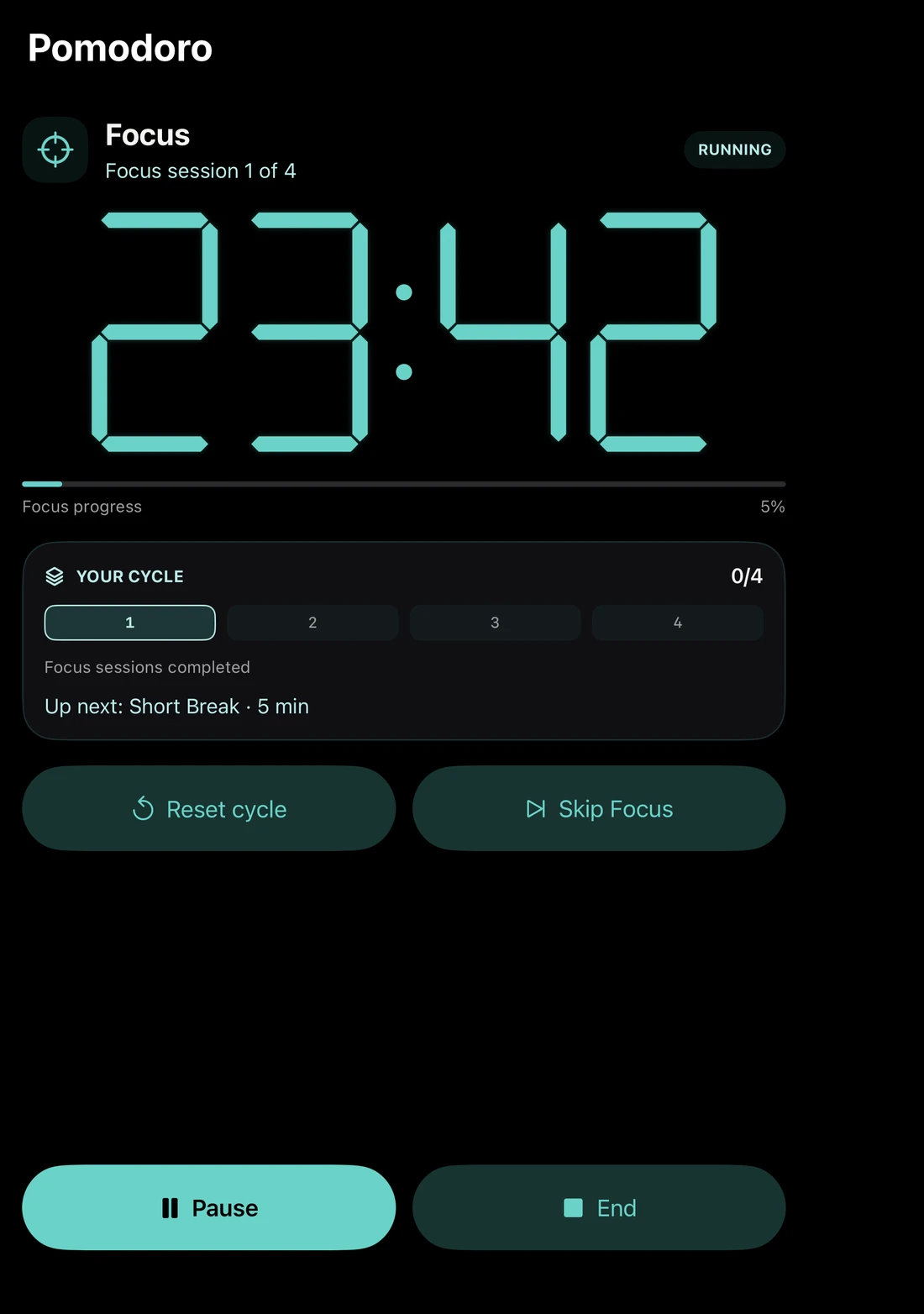
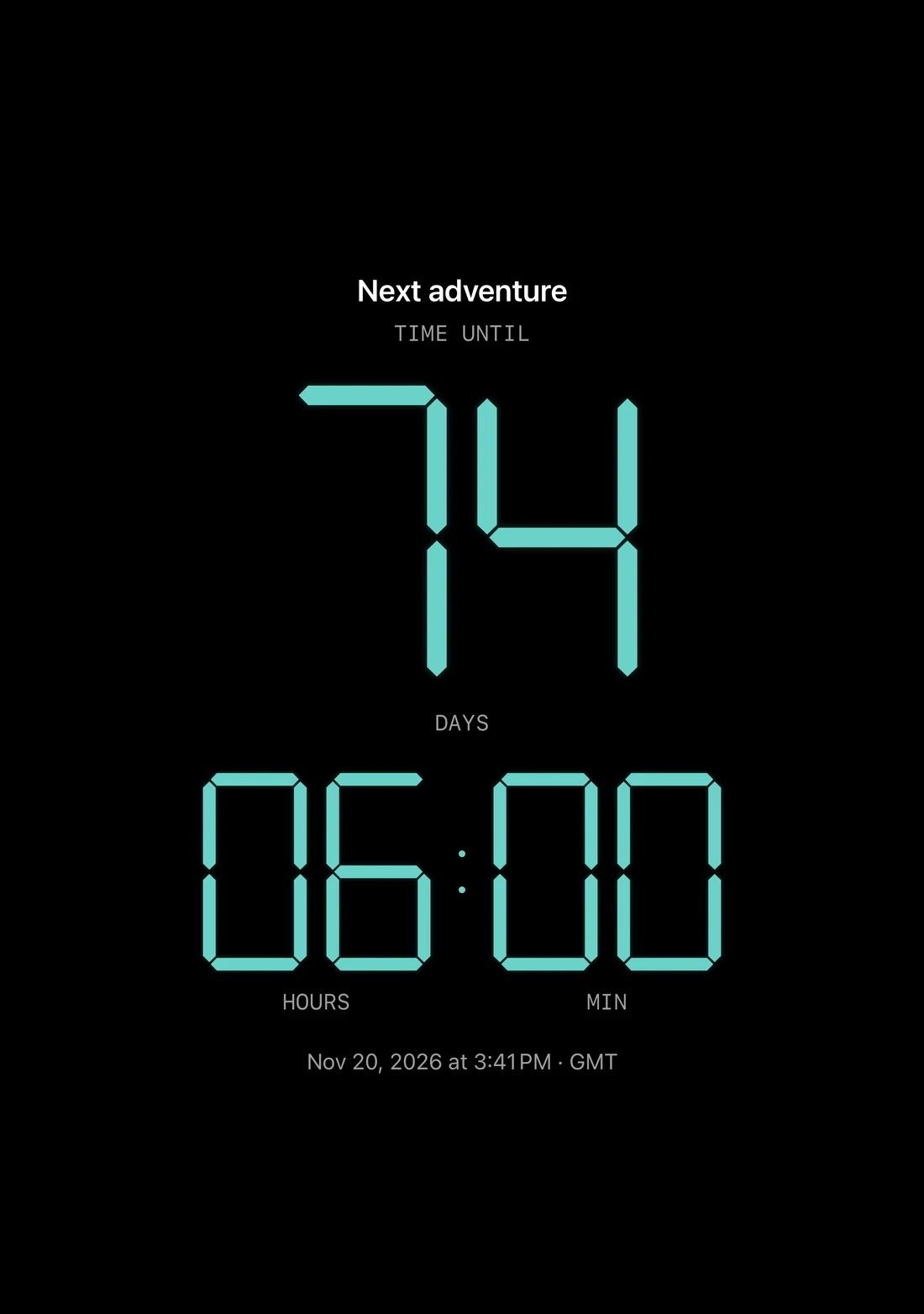
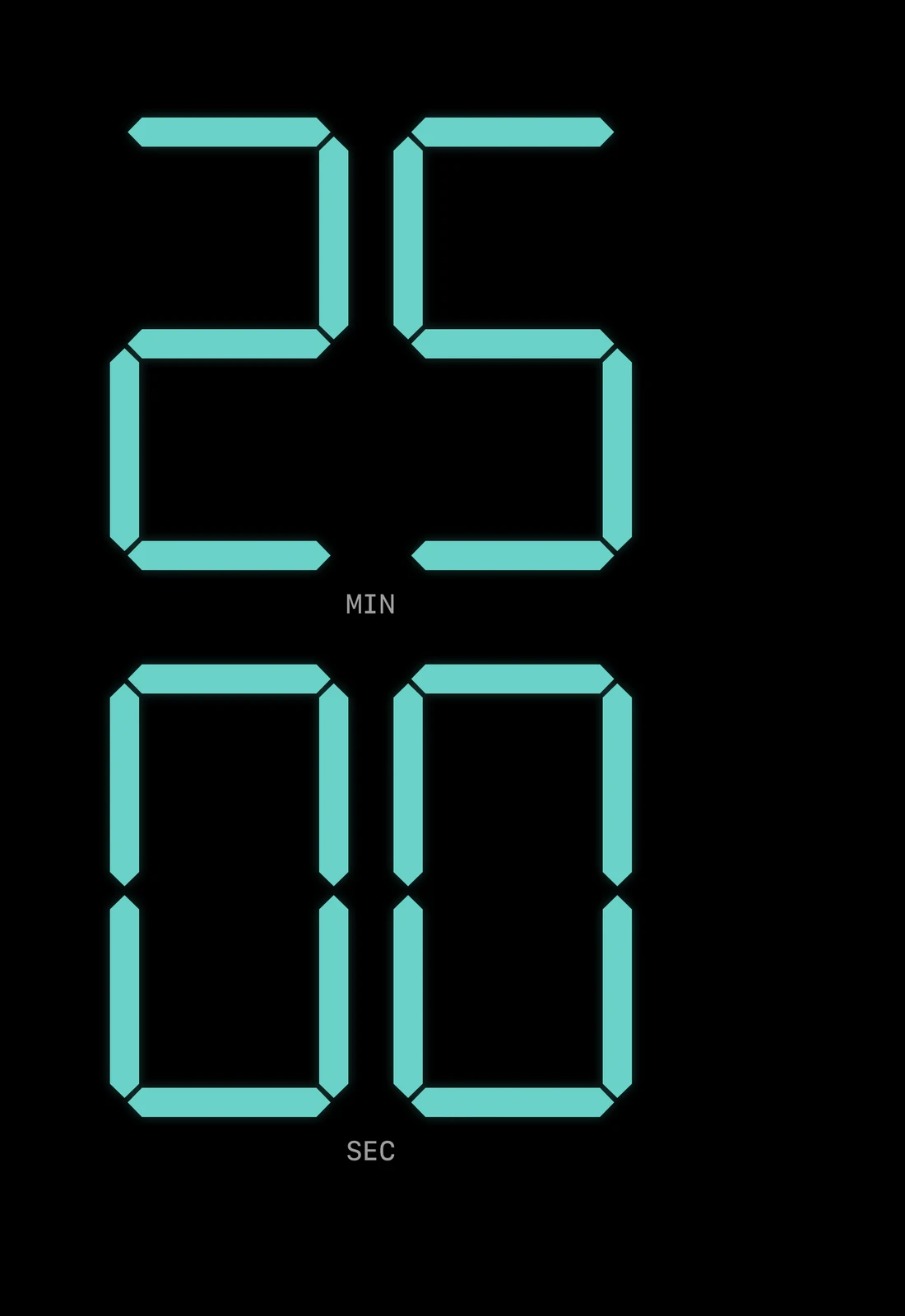
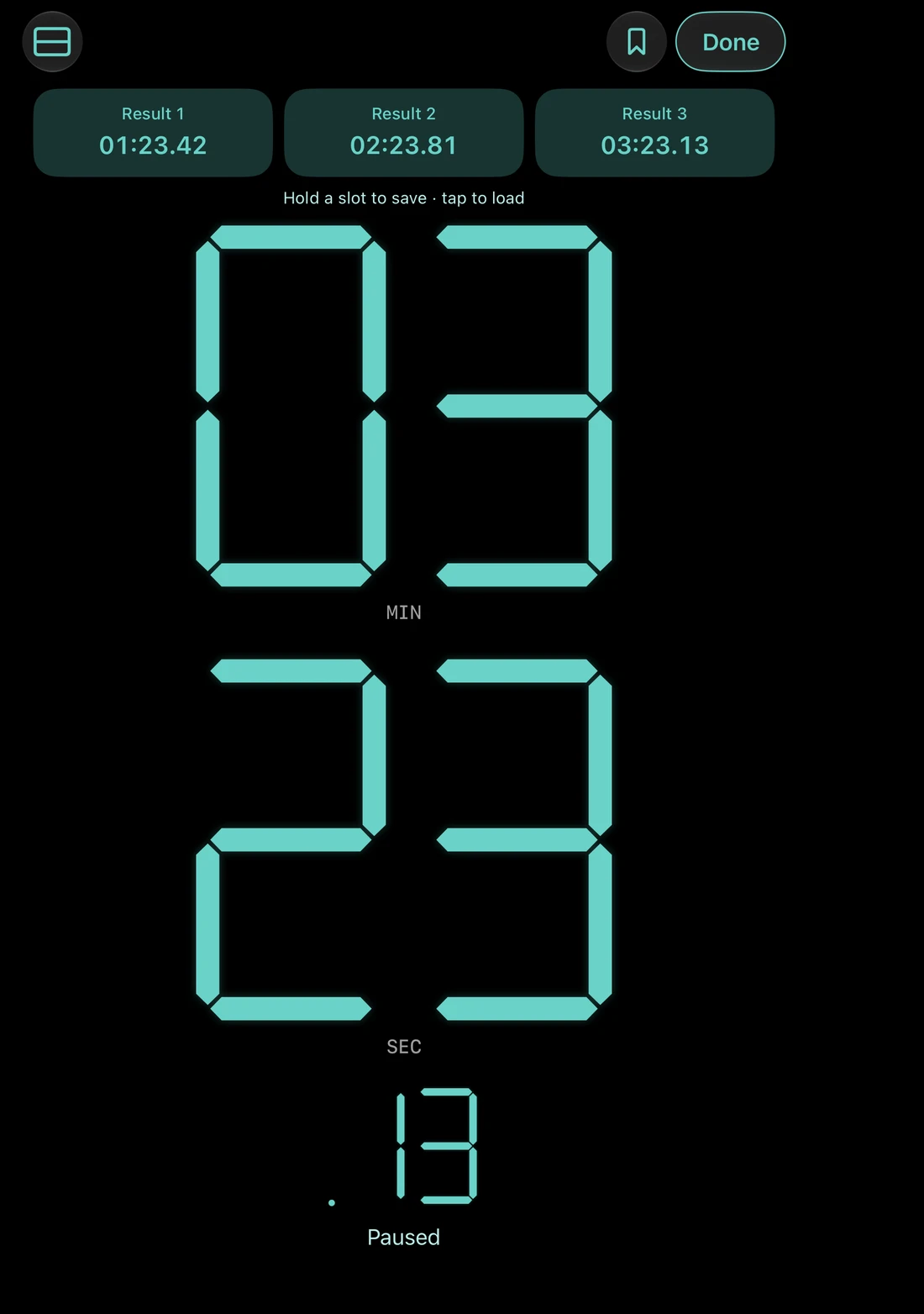
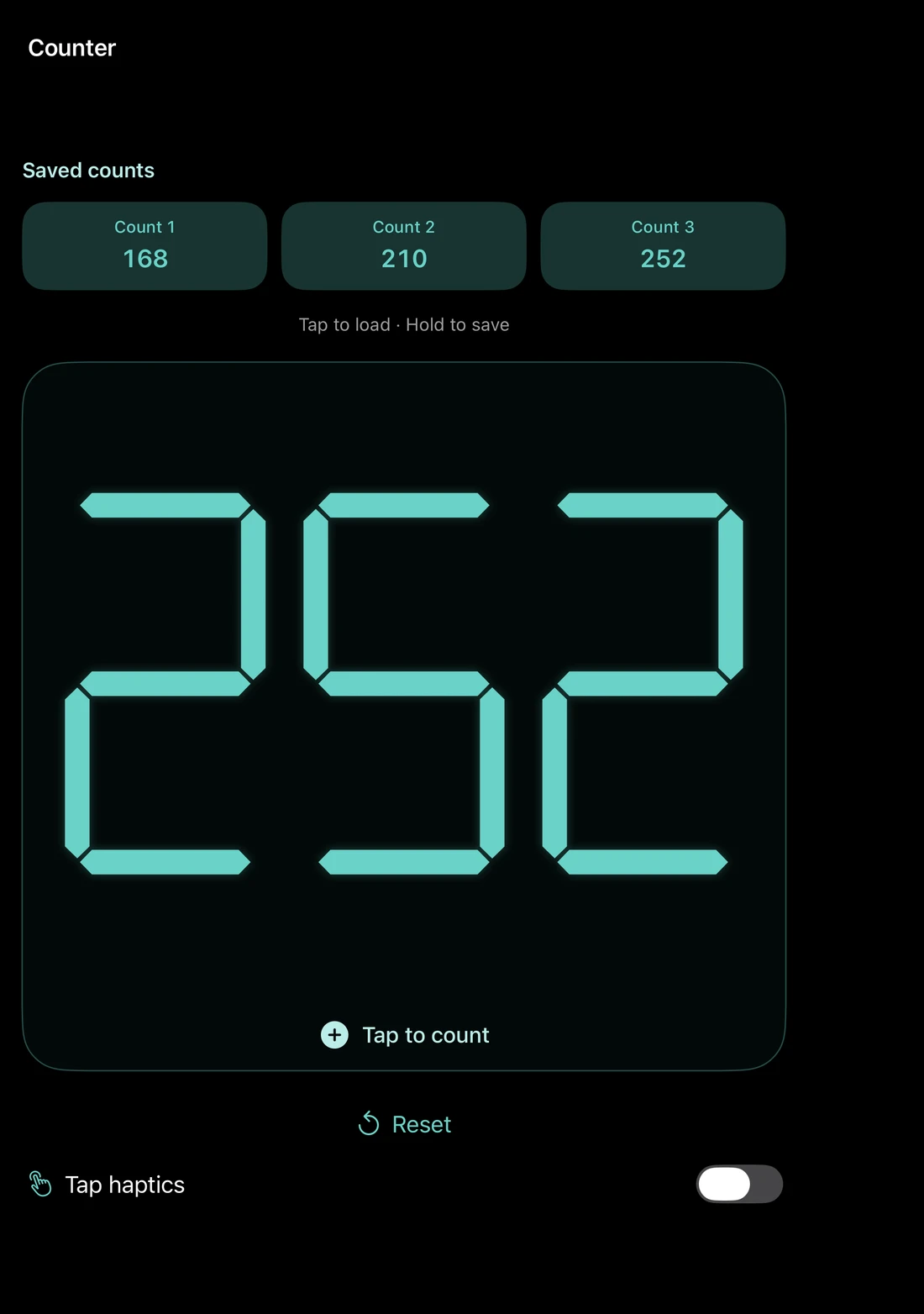
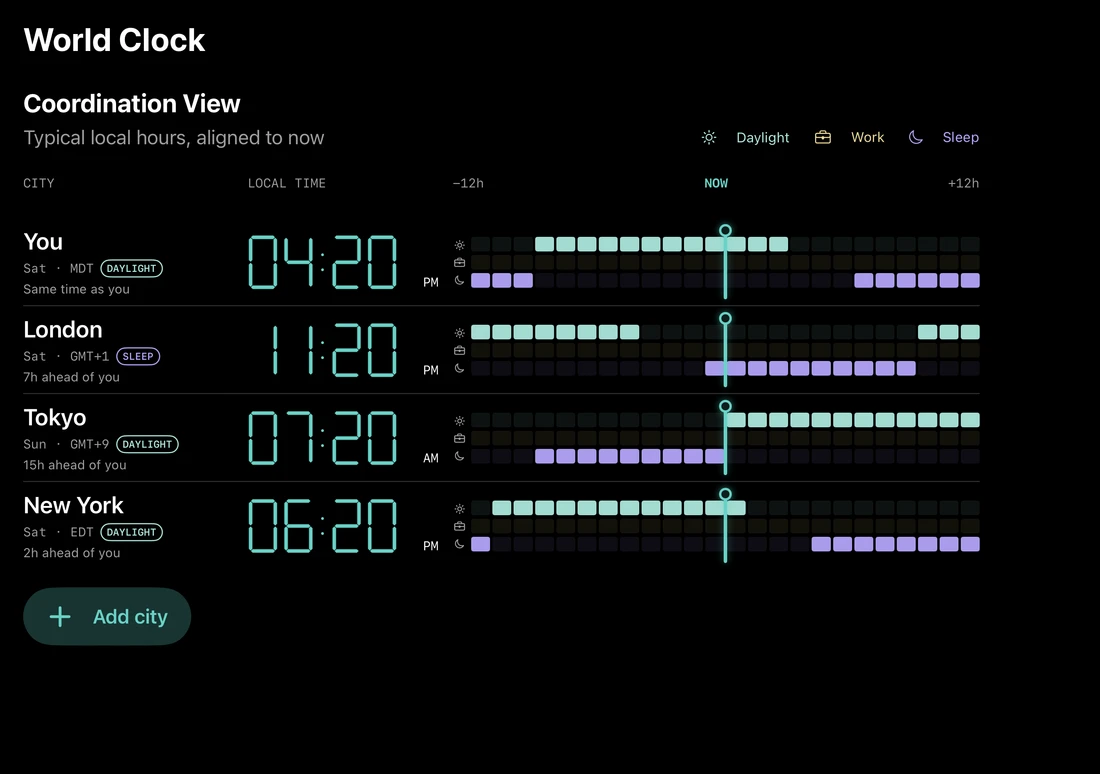
Screens shown throughout this page are actual native app captures. Features shown may require Pro or Pro Focus.
Your signal. Your pace.
Choose your colors and motion with Pro. Go further with Pro Focus: a complete sound library, Sleep Focus and Pomodoro.
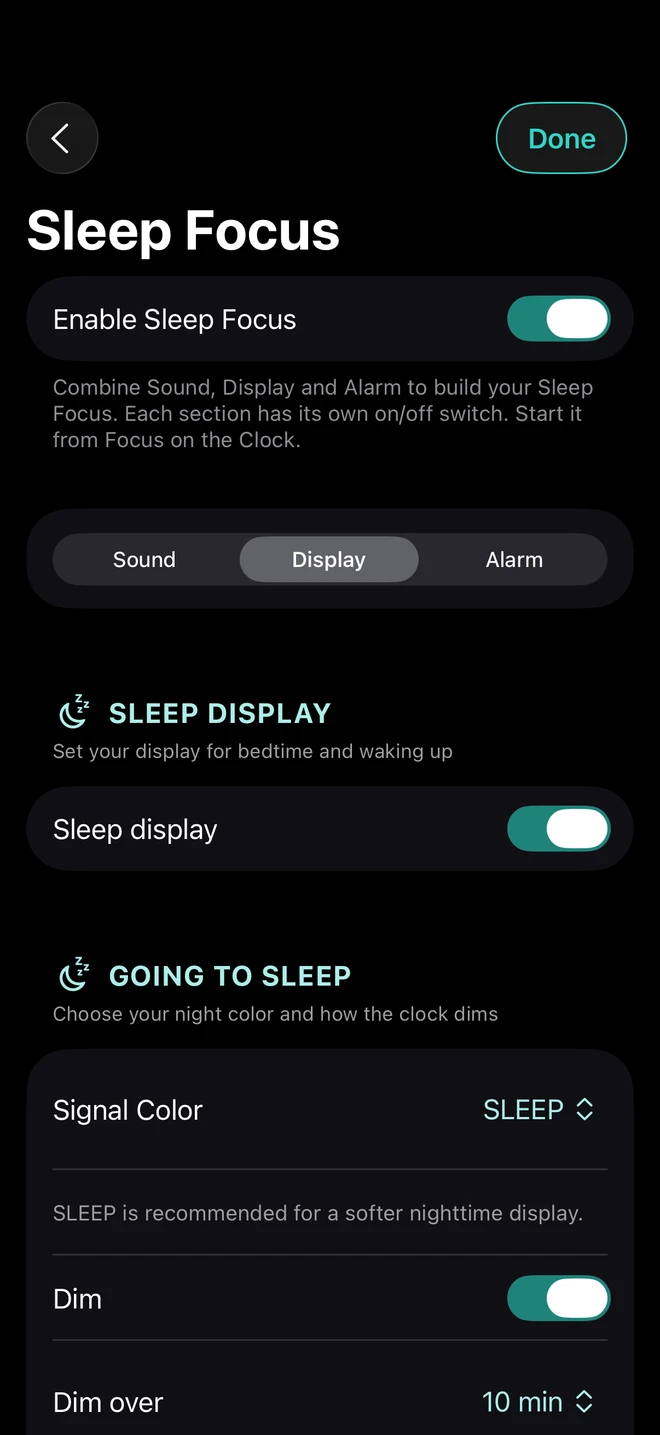
Brown, Pink, White, Green, Yellow, Fan, Rain, Waterfall and Stream. With Pro Focus, blend any two different sounds, adjust their balance, or create a timed sequence with fades.
Build a Sleep Focus routine with independent Sound, Display and Alarm sections. Dim the Clock, choose a Sleep Signal and ease into the morning with visual Gentle Wake.
Pro brings Signal colors, Auto Spectrum, custom date styling, scheduled dimming and motion choices. Portrait or landscape, stacked or side by side: find the view that fits.
Visual Sleep dimming and Gentle Wake require the Clock to remain open. Wake alarm delivery is handled separately by iOS.
TIDAL Clock, one alarm, basic Timer and Stopwatch, White sound, and Keep Screen On while the app is open.
Clock customization, additional alarms, saved Timer presets and Stopwatch results, World Clock, Counter, Time Counter and its widget. Brown, Pink and White single sounds.
Everything in Pro, plus all nine sounds, two-sound blends, durations, fades and sequences, Sleep Focus and Pomodoro.
Optional Pro and Pro Focus upgrades offer monthly, yearly and lifetime options. Local prices and eligibility are shown in the app before purchase.
A separate app for Apple TV
A bold Clock and timing display for your room, studio or next big moment. All current Apple TV features in one purchase.
Download for Apple TV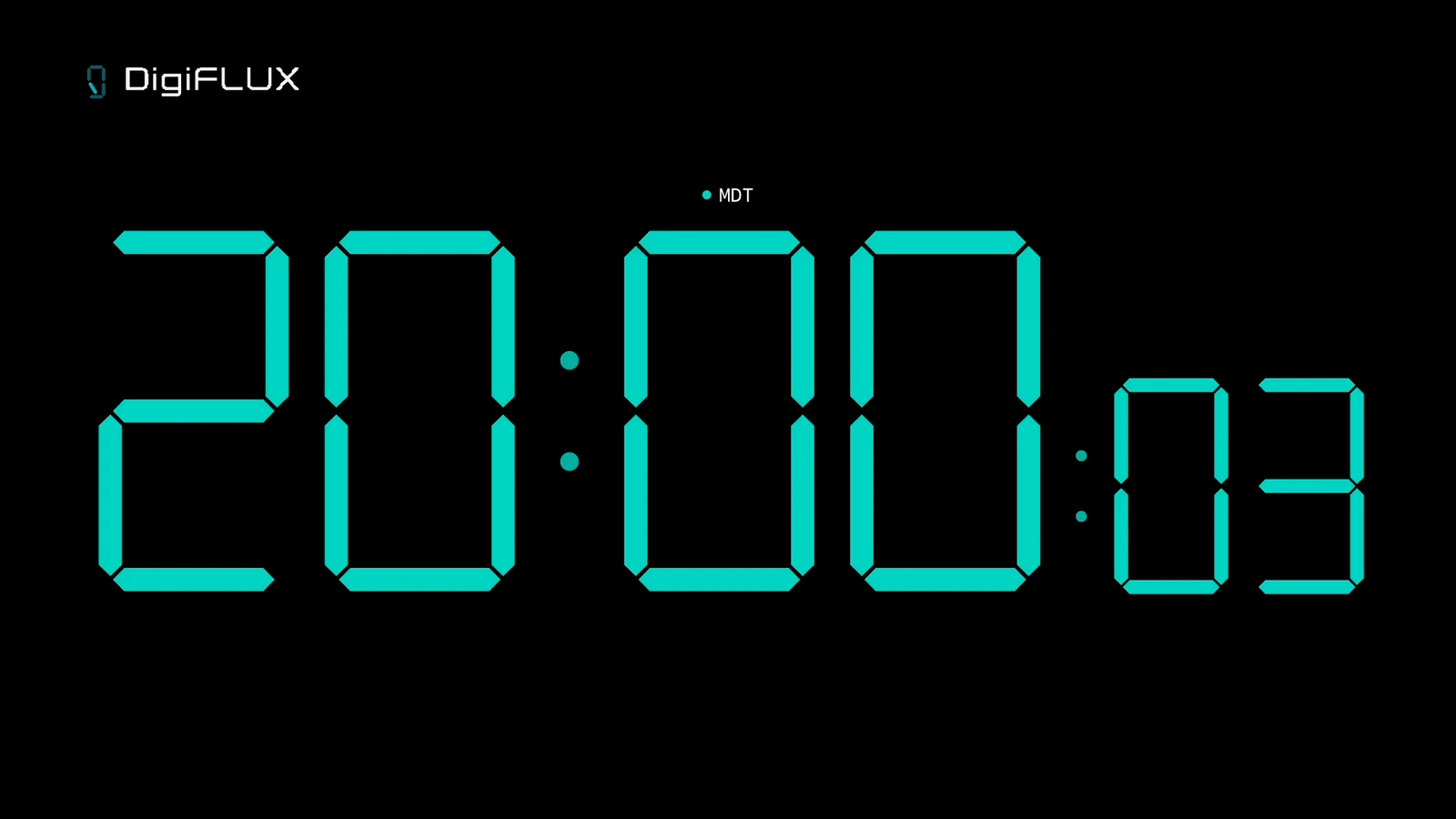
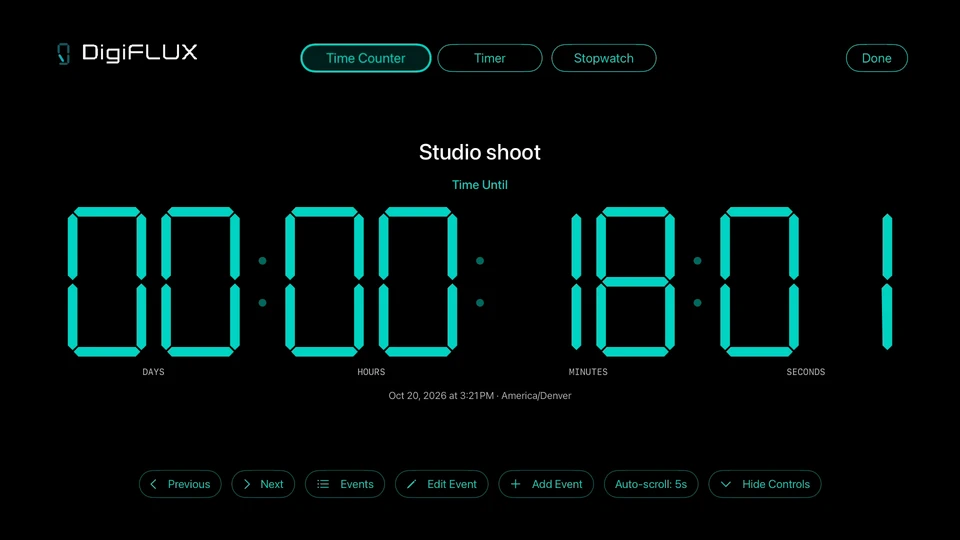
Save named events with a date and time zone. Count down or count up, repeat annually, and auto-scroll between events.
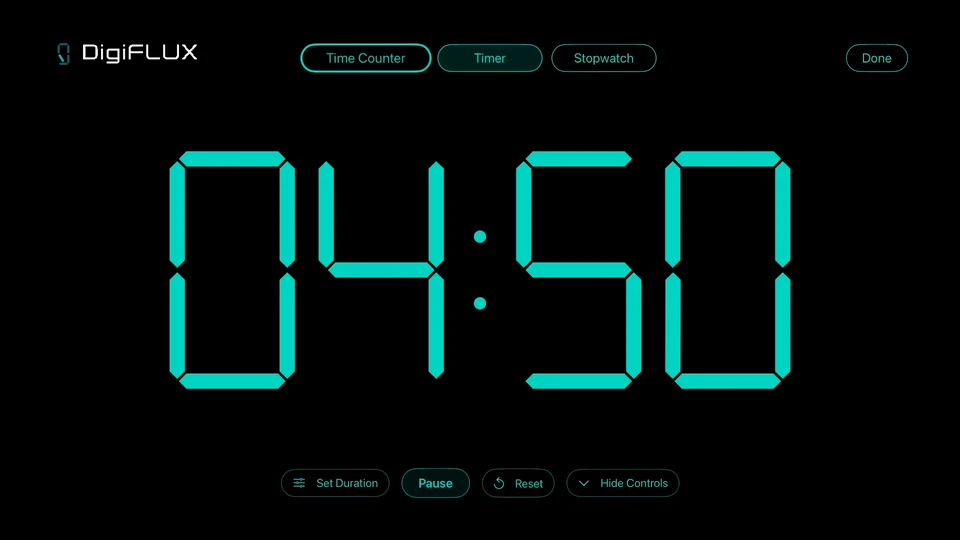
A remote-friendly countdown and Stopwatch for rehearsals, meetings and everyday sessions.
Apple TV is a separate purchase from the iPhone app and its upgrades. Sound and timer alerts require DigiFLUX to remain open on Apple TV. Event counters do not schedule alerts.
Choose your screen
Coming soon
Start free. Add Pro or Pro Focus when you want more. Apple Watch companion included.
Coming soon on the App StoreThe download link will be available when the app launches.
Available now
Clock, event counters, Timer, Stopwatch, Sleep Display and five Noise Colors. One purchase.
Download on the App StoreGoogle Play Coming soon